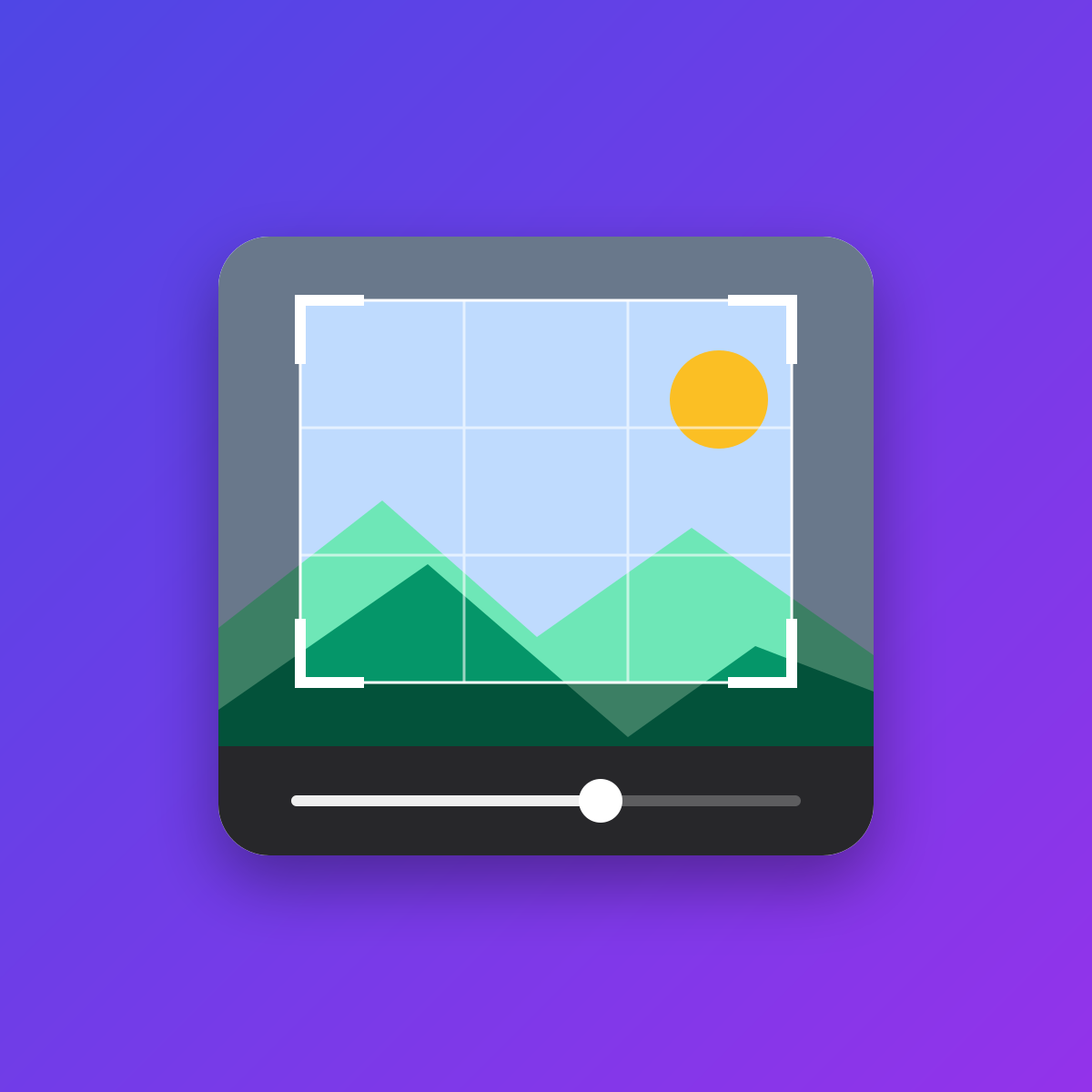

Rotate, straighten, flip, crop, adjust and filter images right in the control panel. The pixels are computed in the browser with WebGL, so there is nothing to install on the server. The edit is written over the asset, so every entry that uses it shows the change - and the original is always kept, so you can re-adjust or revert at any time.
What you get
- Crop with the aspect ratio presets from your Statamic config, free or original, handles, rule-of-thirds grid, keyboard nudging and touch. Core's Crop button only crops, so the editor takes its place in the asset toolbar.
- Rotate, flip and straighten. Straightening keeps the crop inside the image, so the result never has empty corners.
- Exposure, brightness, contrast, saturation, temperature, tint, clarity, fade and vignette, one slider at a time, with the nine presets everyone knows from their phone: Vivid, Vivid Warm, Vivid Cool, Dramatic, Dramatic Warm, Dramatic Cool, Mono, Silvertone, Noir. A preset is just the sliders, so what a filter does is always visible and adjustable. Exposure, saturation and white balance are computed in linear light.
- Info. See what the camera wrote, edit creator, copyright, credit and description (written as XMP and IPTC), or remove all metadata.
- Your own filters. Save the current sliders under a name; they appear for everyone, right in the editor.
- Always reversible. The first edit keeps the uploaded file; every later edit starts from that file again with your previous settings, so you can change the crop or the colours at any time without stacking quality loss, and revert whenever you like.
- Save over the asset. It keeps its name, extension and URL, so every entry that uses it shows the edit.
- Metadata survives. XMP, IPTC and EXIF are copied from the original into the edited file, with the EXIF orientation and dimensions corrected.
- Works with every container, private and remote ones included, and with ImageOptimizer: one original, one revert, the edit is optimized like an upload.
Requirements
Statamic 6.16 or later, PHP 8.3 with the fileinfo extension, and a browser with WebGL 2. JPEG, PNG and WebP, up to 40 megapixels; WebP saving needs Chrome, Edge or Firefox. With ImageOptimizer, version 2.1 or later.
Image Editor is a commercial addon
You can use it for free while in development, but it requires a license to use on a live site. Learn more or buy a license on The Statamic Marketplace. The full documentation is in DOCUMENTATION.md.
The rotate and flip icons are from Lucide, ISC licence, © Lucide Contributors.