Compare
Statamic vs Craft CMS
Craft is great, but here’s why Laravel agencies keep choosing Statamic instead.
Very scientific. Trust the science.
01 · Laravel-native
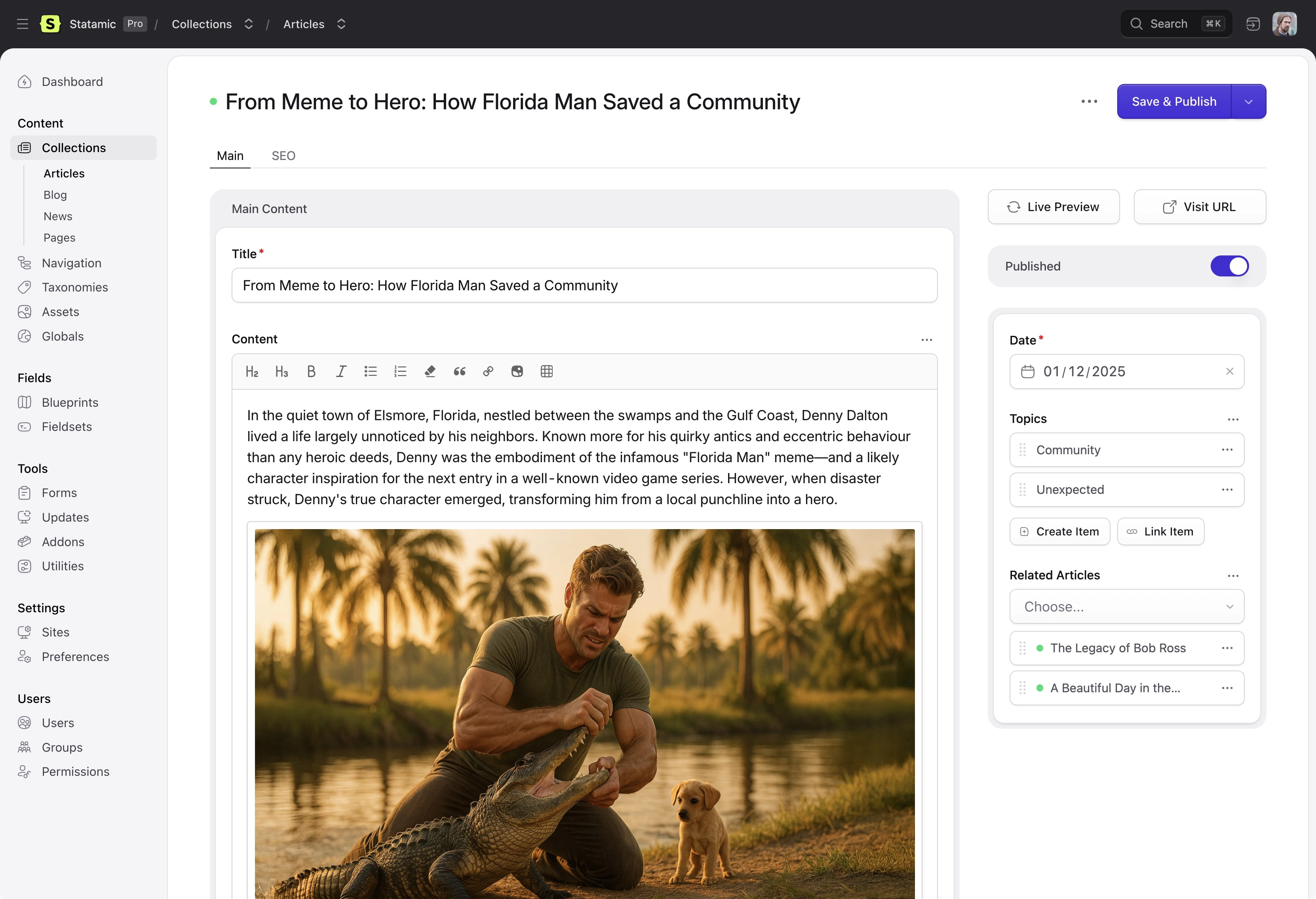
Statamic isn’t “compatible with” Laravel. It is Laravel.
Statamic is installed as a Composer package into a standard Laravel application. Every Laravel feature works natively — Eloquent, Blade, Artisan, queues, events, middleware, Horizon, Telescope, Reverb. No glue code, no abstraction layers.
Craft has been built on Yii for its entire history. Craft 6 is migrating to Laravel (planned Q4 2026), but it’s a port of Yii-era architecture, not a clean-sheet Laravel design. That’s a meaningful difference for teams that live in the Laravel ecosystem.
Statamic has 8+ years of deep Laravel integration. That’s hard to replicate with a rewrite.
02 · Flexible data
Choose your data model. Change it later.
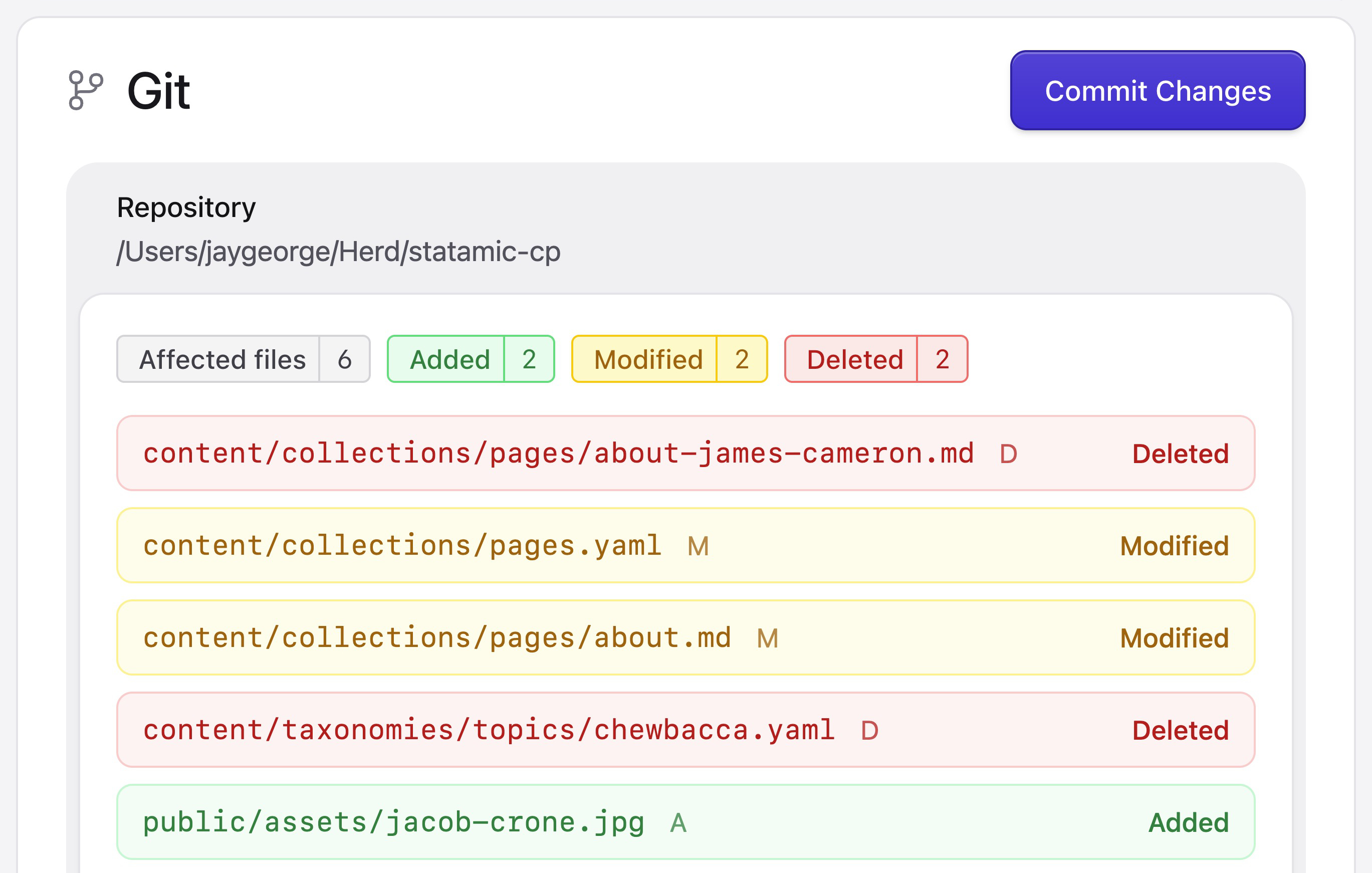
Statamic’s data layer is driver-based, which means you pick the storage strategy that fits your project: flat files (YAML & Markdown, version-controlled in Git), MySQL or Postgres, or a hybrid approach. Same templates, same blueprints, same control panel. Zero rewrites.
Craft is database-only. Project Config tracks structure (blueprints, settings) as YAML, but your actual content always lives in the database.
Need Git-based content workflows? Only Statamic gives you that option. In a world where Markdown files are the new HTML, it’s a pretty big deal.
03 · No plugin tax
95% of what you need is already included.
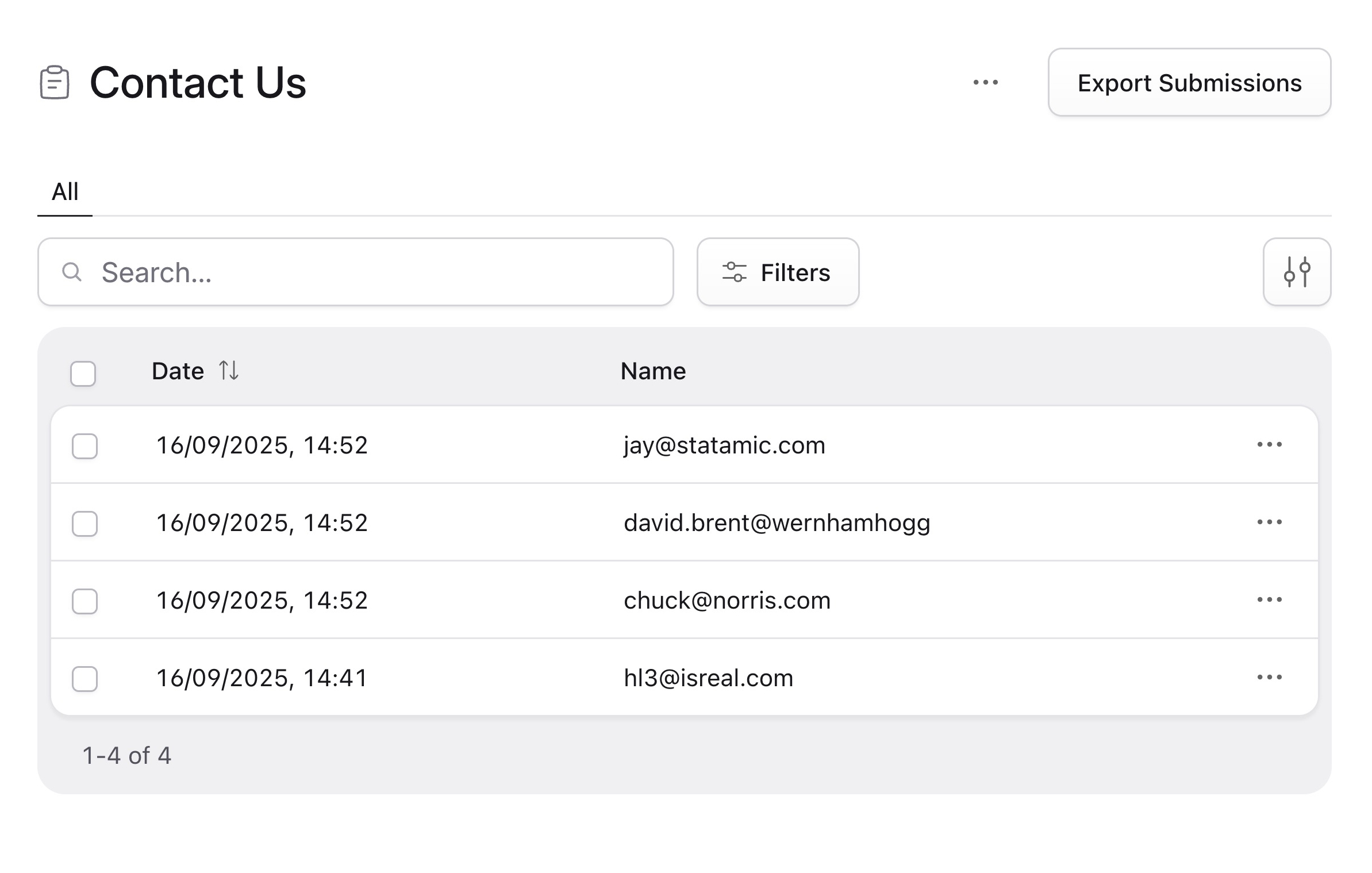
Both platforms are powerful. The practical difference for agencies is how often you reach for paid addons. Forms, search (local + Algolia), static caching, navigation builder, GraphQL, and image manipulation are all built into Statamic core.
On Craft, those same features mean Formie ($99), Scout, Blitz, CraftQL, and a navigation plugin — per site. Across 10 client sites, the addon costs add up. Statamic’s “everything included” approach keeps your margins intact.
04 · Bard editor
Rich text with structured blocks. Inline.
Craft’s Matrix and CKEditor are proven tools, but blocks live outside of text — they’re separate content regions.
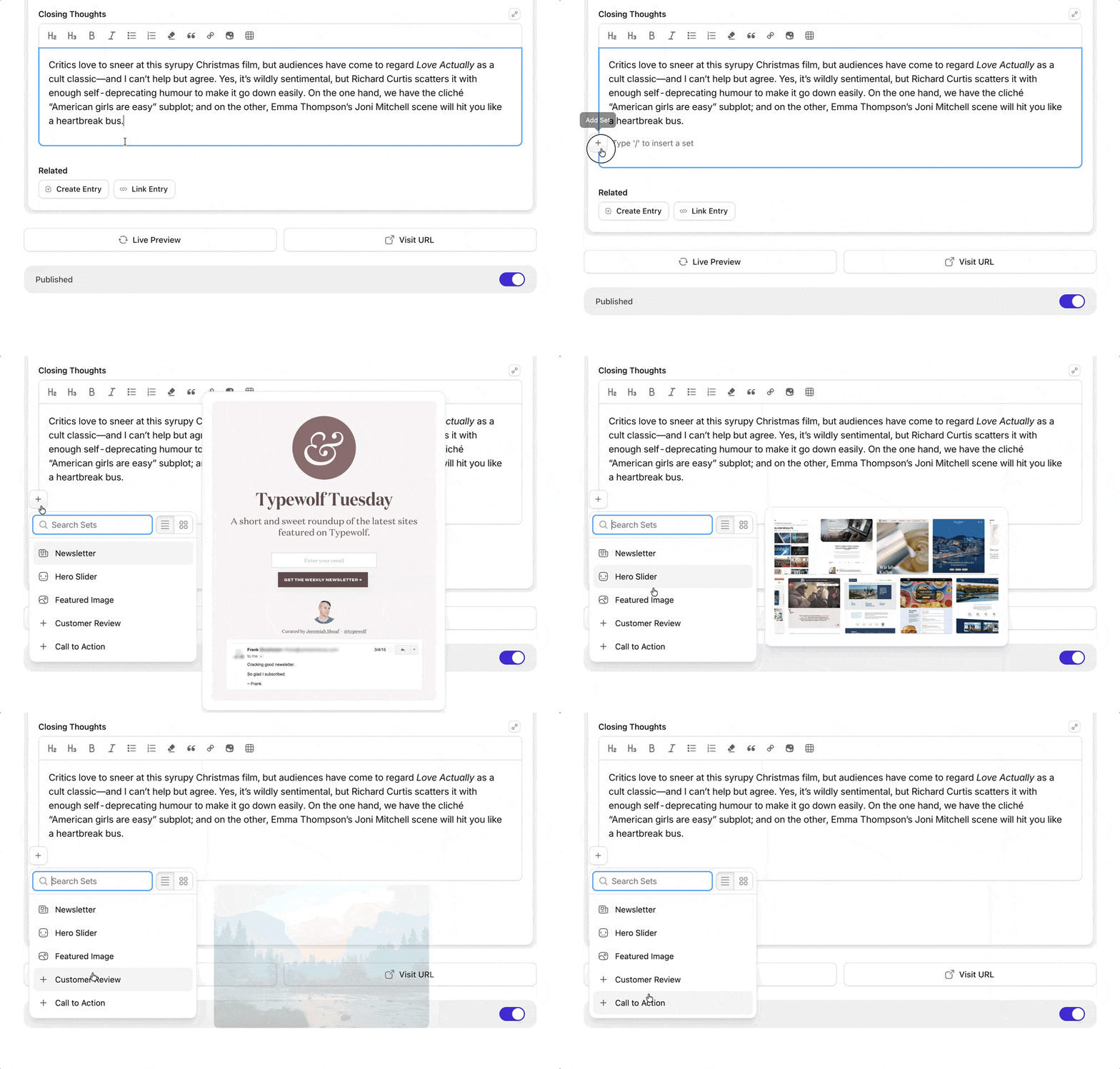
Statamic’s Bard editor lets you insert custom structured blocks inside flowing rich text. Think of it like a page builder and a WYSIWYG had a really talented baby.
For editorial content — long-form articles, documentation, media-rich landing pages — it’s a genuinely different editing experience that content teams tend to fall in love with.
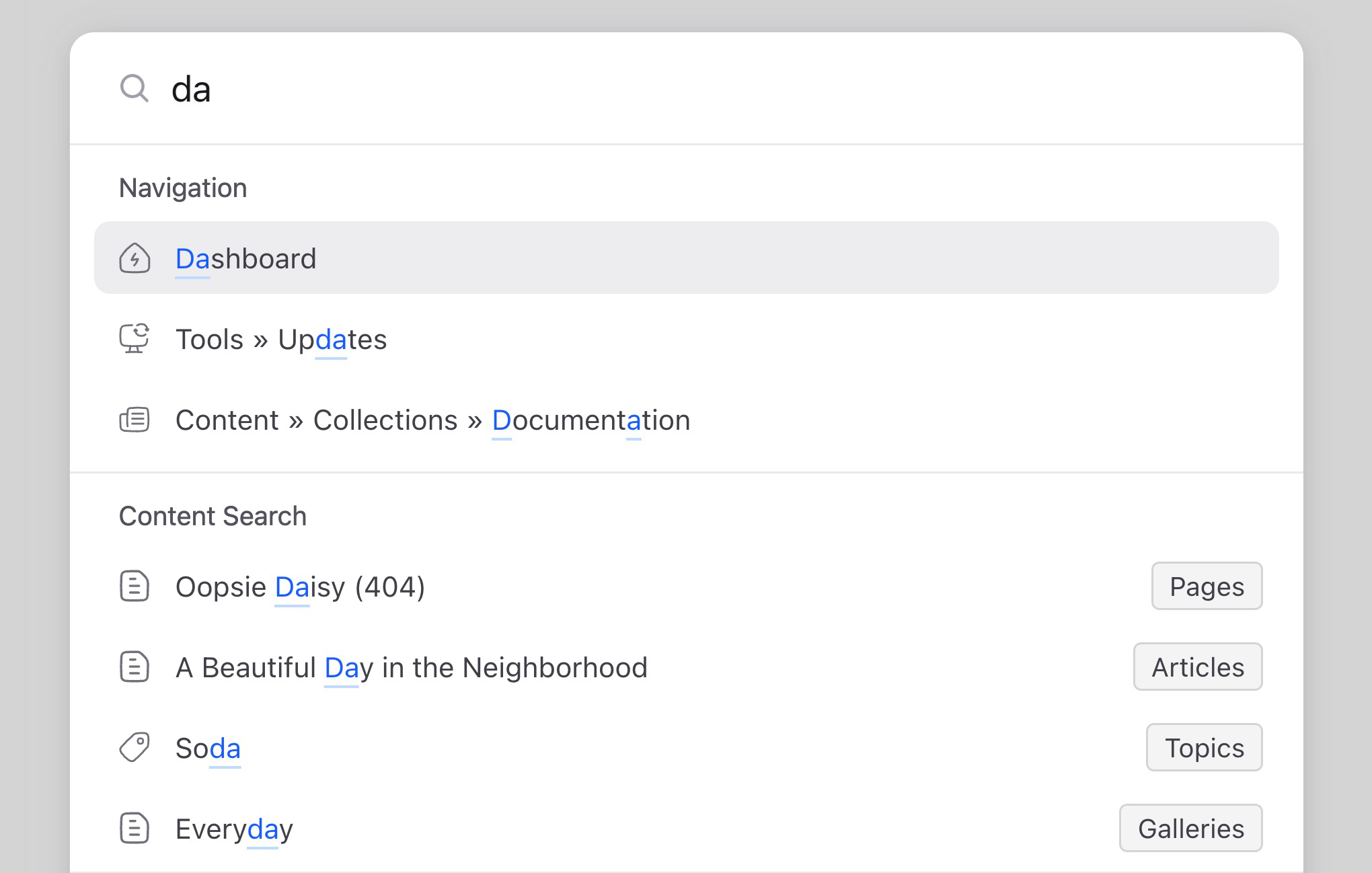
05 · Control panel
A control panel your clients will delight in.
Statamic 6 shipped with a complete CP redesign built on Vue 3, Inertia, and Tailwind 4. It’s fast, modern, and designed with the same care as the best SaaS products.
Dark mode with custom theme builder. Command palette (Cmd+K everything). Passkeys and 2FA built into core. Live Preview with hot-reload and responsive testing. Real-time multi-user collaboration. Mobile-friendly and accessible by default.
If editor UX matters in your sales process, this is worth a real side-by-side demo.

Sylvester Damgaard Principal Architect, TV2 Regionere
“Our journalists love Statamic! It scales perfectly as an enterprise CMS and significantly enhances our workflow.”

Where does Craft have an advantage?
Craft has a larger plugin ecosystem (1,000+ addons) and Craft Commerce is a serious, production-grade e-commerce solution. If your project is commerce-first, that’s worth evaluating carefully.
What about when Craft 6 ships on Laravel?
Craft 6 on Laravel is exciting for the ecosystem. But a port of Yii architecture onto Laravel is different from software designed for Laravel from the ground up. Statamic’s patterns, conventions, and integrations have been Laravel-native for 8+ years. That depth takes time to build.
How does pricing compare?
Statamic Pro is $349 one-time per site with optional yearly renewal. Craft Pro is similarly priced at the license level. The difference tends to show up in total project cost — Statamic’s built-in features mean fewer paid addon licenses per site.
Can I migrate from Craft to Statamic?
Statamic includes an Importer that can bring content from other platforms. The content modeling concepts (entries, blueprints, fieldtypes) are similar enough that most migrations are straightforward.