Compare
Statamic vs Webflow
Shiny site builders are great. Until they hit their ceiling.
The most rigorous comparison of Statamic and Webflow on the internet. Probably.
01 · Own your site
Your site should outlive your subscription.
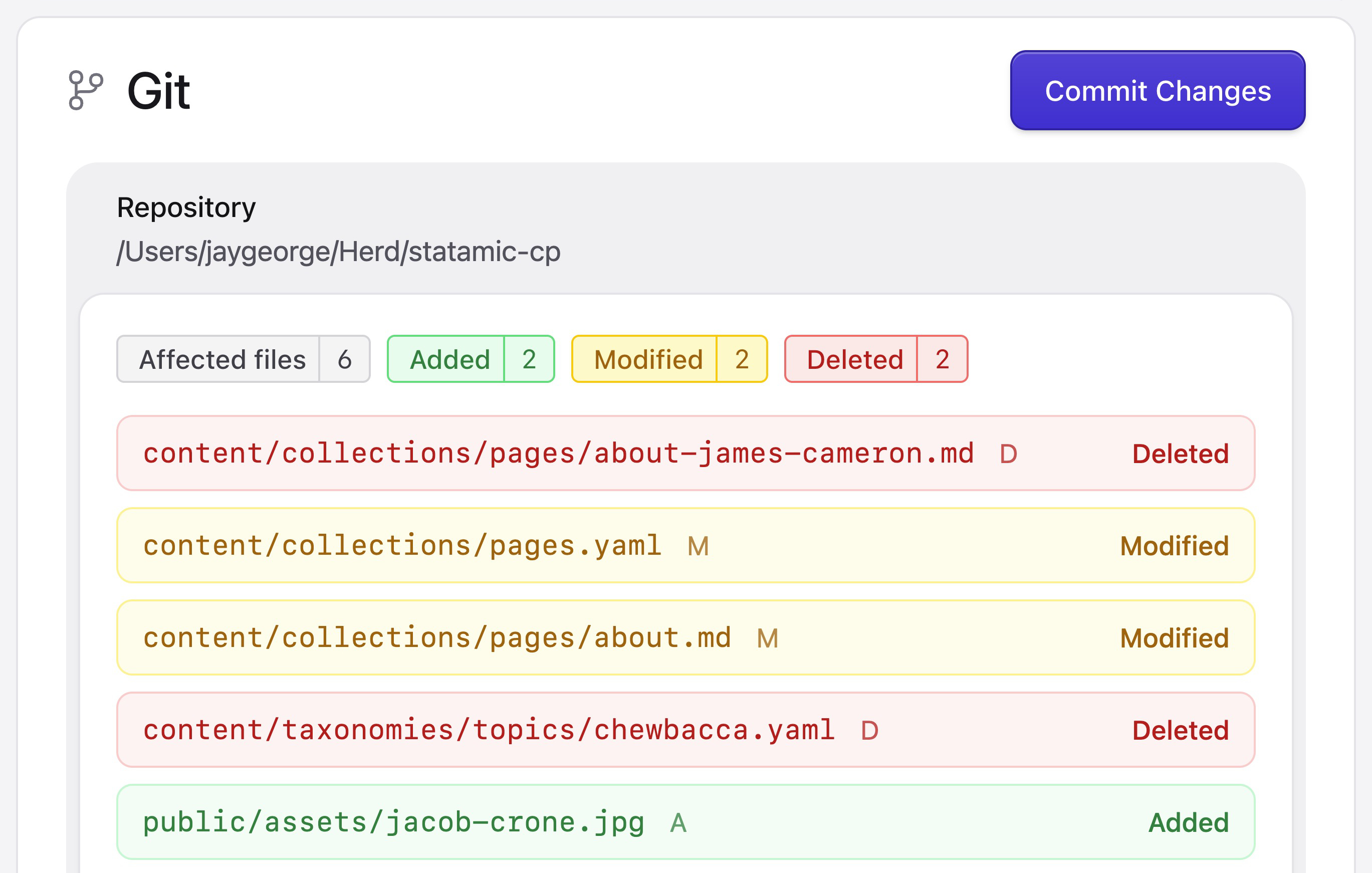
Webflow is a hosted platform. Your site lives on their infrastructure, runs through their CDN, and is rendered by their (proprietary) stack. You can export static HTML, but you can’t export your actual content, like collections, entries, or form submissions. Everything stays locked inside of Webflow.
Statamic gives you the whole thing:
- Source code you own
- Content in flat files or the database, your choice
- Hosting wherever you want
If Webflow raises prices, deprecates a feature, or gets acquired, your site is on the hook. With Statamic, you’re never one vendor decision away from a migration project.
02 · Pricing
$349 once vs $23+/month, per site.
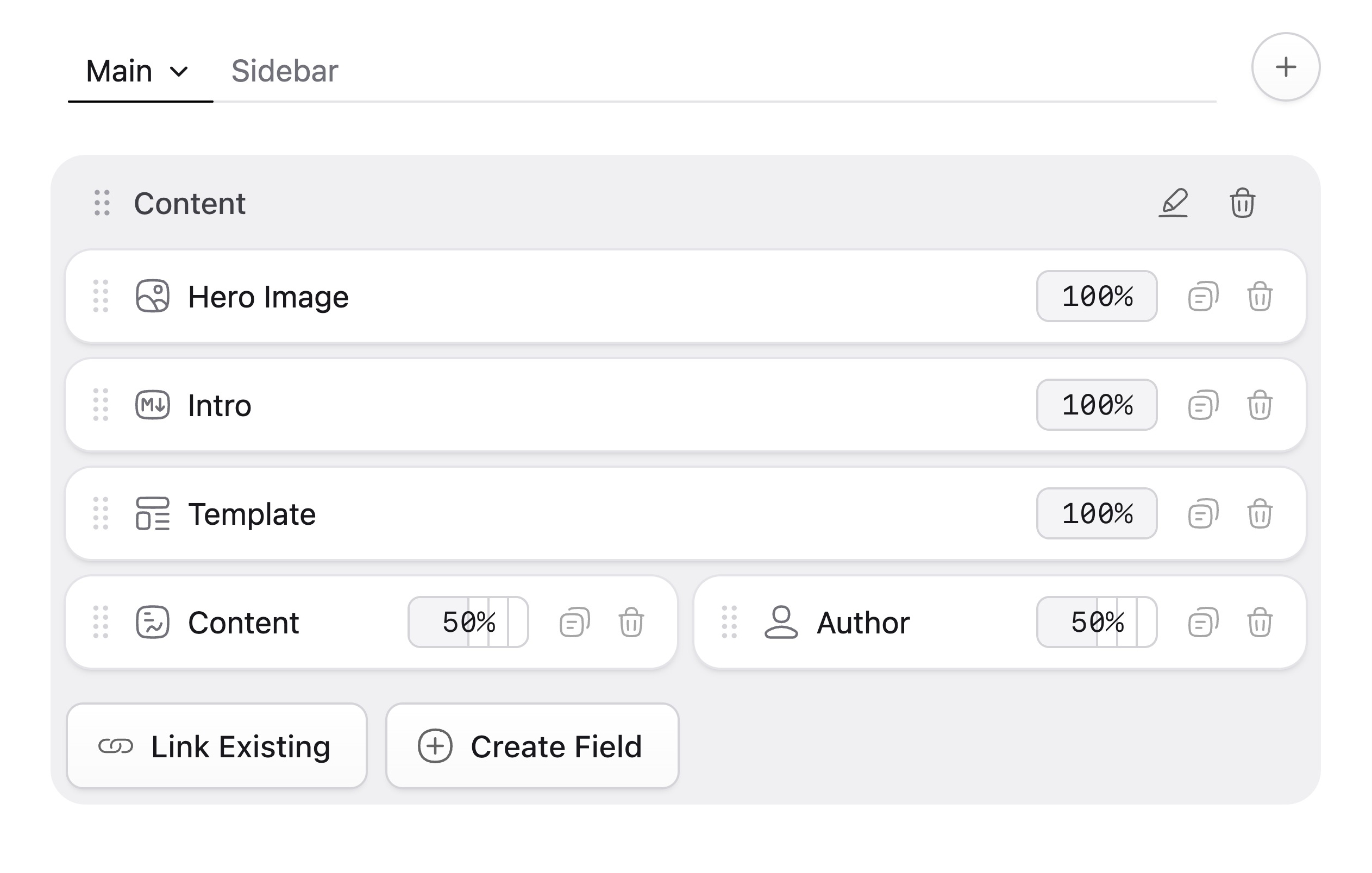
Statamic Pro is a one-time $349 site license, with an optional $99/year renewal for updates and direct support.
Webflow’s Site plans start at $14/month for a Basic site (no CMS), $23/month for CMS, $39/month for Business, and Ecommerce plans climb from there. Add Workspace seats, localizations, and per-feature pricing on top of that. Even putting that in words felt complicated.
For agencies running dozens of client sites using Webflow CMS, you’re looking at thousands of dollars per year, every year. Dozens of Statamic sites? Predictable at $349 once, then optional renewals. The math compounds quickly.
03 · No platform caps
No limits. No surprises.
Webflow CMS has hard plan caps: limits on CMS items, collections, form submissions, and bandwidth. Hit the ceiling and your only option is to upgrade.
Statamic has no platform caps:
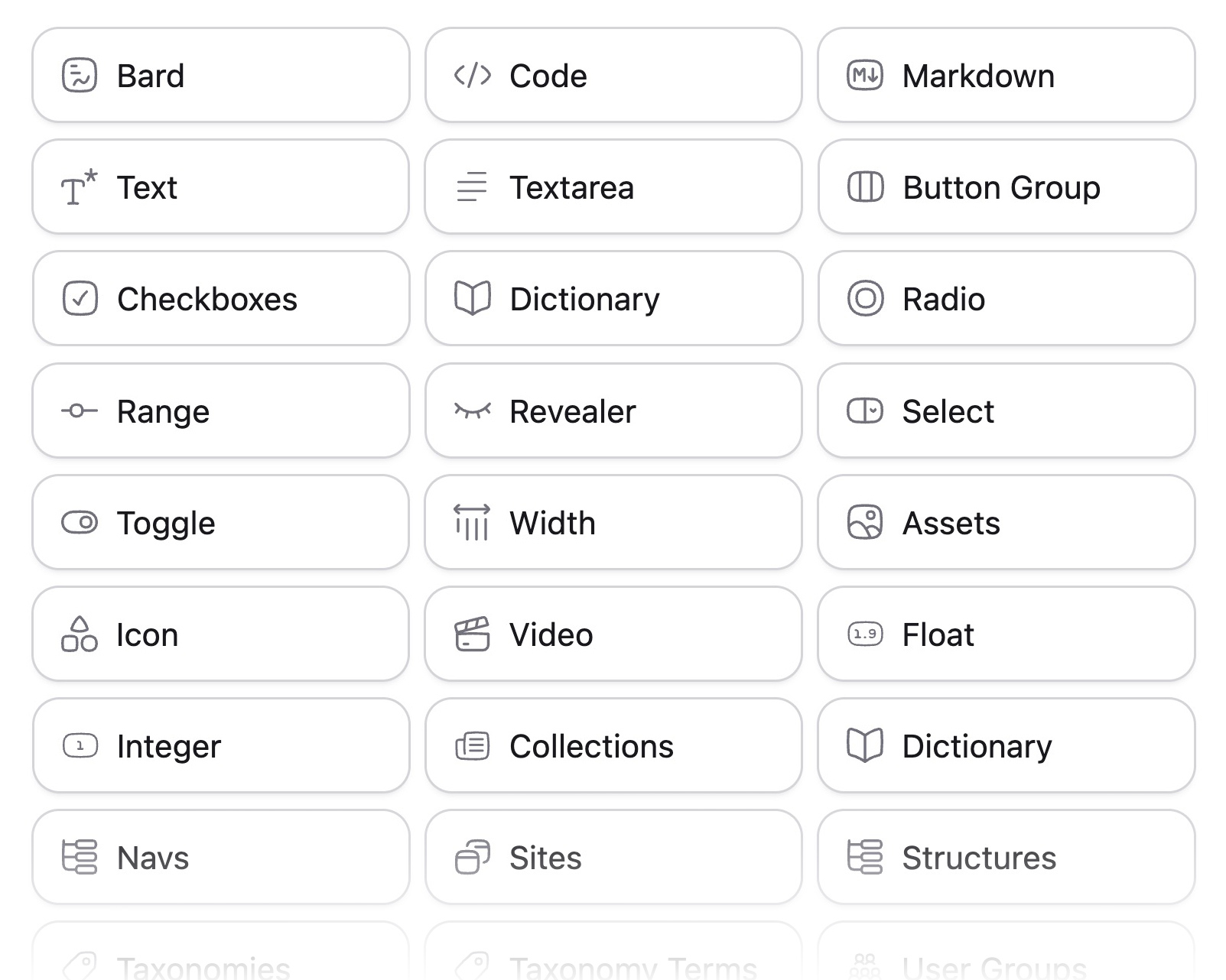
- Unlimited everything. Users, entries, localizations, assets, you name it. Content is just files or DB rows
- 65+ fieldtypes for modeling exactly what your content needs
- Bard — rich text with custom structured blocks inline
- Replicator and Grid — for flexible page composition
Build the content model your project deserves, not the one that fits inside a pricing tier.
04 · Developer power
Build with Laravel, not against a sandbox.
Webflow’s extensibility lives inside its ecosystem — custom code embeds, the Webflow Apps API, Logic, and webhooks. Powerful for what it is, but you’re always working within their box.
Statamic gives you the full Laravel framework: Eloquent, Blade, Artisan, queues, events, middleware, broadcasting, testing, and any of the thousands of Composer packages out there. Need a custom integration, a complex import pipeline, a private API, or a unique editorial workflow? You can just build it.
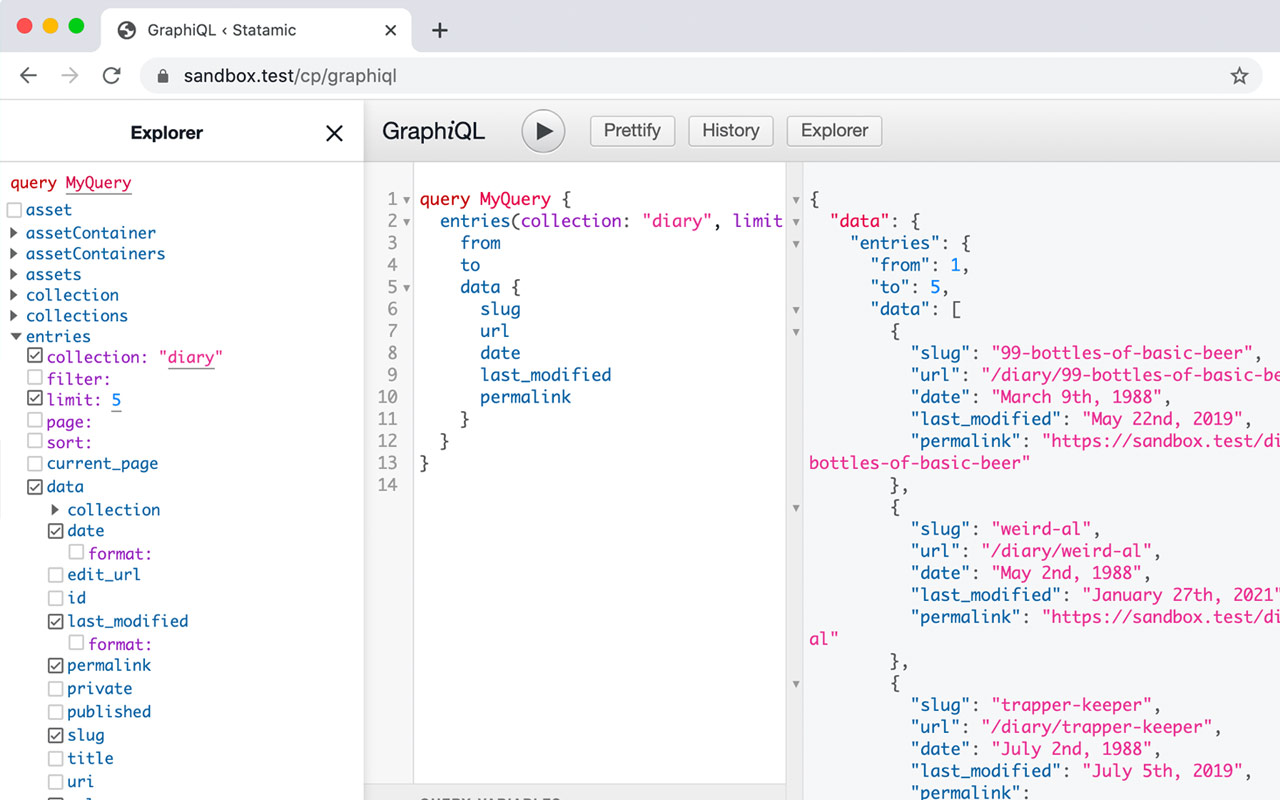
Plus three rendering modes from one install. Traditional (Antlers/Blade), headless (REST + GraphQL), or hybrid.
05 · Editorial experience
A control panel designed for editors and developers.
Webflow’s Designer is genuinely impressive for visual layout — credit where it’s due. The Editor for content updates is more limited, and the line between "designer territory" and "editor territory" gets fuzzy fast on real projects.
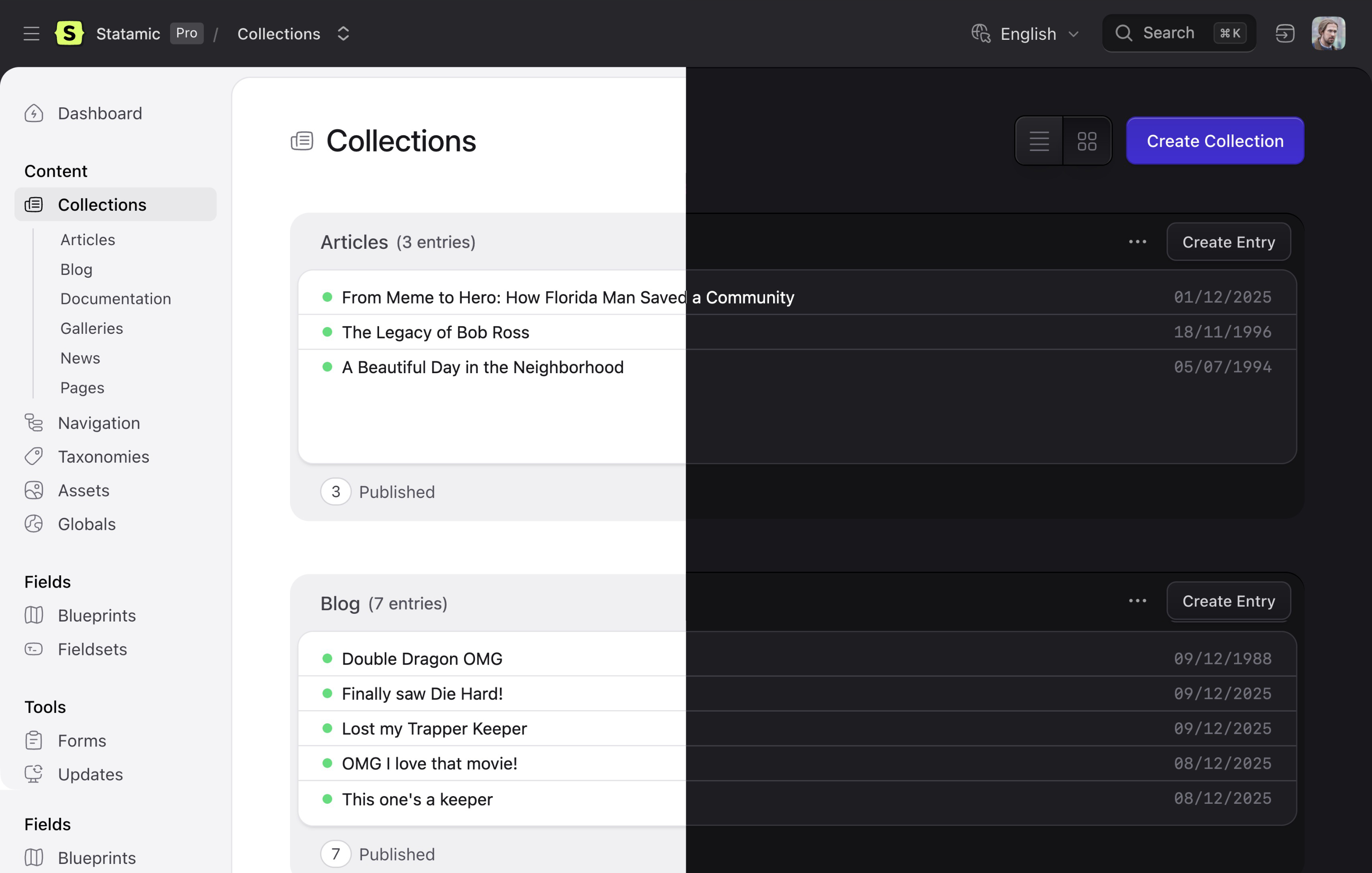
Statamic 6 takes a different approach with a redesigned control panel built on Vue 3, Inertia, and Tailwind 4:
- Live Preview with hot-reload and responsive device testing
- Bard editor with structured blocks inline within rich text
- Dark mode, command palette, real-time collaboration with field locking
- Blueprints so editors only see fields that make sense for their content
- Multi-site from one install — true localization, not duplicated projects
Editors get a focused, opinionated UI. Developers get the freedom to shape it.

Justin Jackson Founder, Transistor.fm
“The cool thing about buying from independent makers is your dollars get invested directly in their families.”

Webflow has a visual designer. Does Statamic?
Statamic isn’t a visual page builder — it’s a CMS. You build templates in Antlers or Blade, and editors compose pages with structured blocks via Bard, Replicator, or Grid. Live Preview lets editors see changes in real time. Different model, but very capable for content-heavy sites and serious editorial workflows.
Is self-hosting harder than letting Webflow handle it?
Modern Laravel hosting platforms like Laravel Forge, Ploi, and many others make deploying and managing Statamic sites straightforward. If you can deploy a Laravel app, you can deploy Statamic. That way, you get full control over everything.
What about performance and CDN delivery?
Statamic’s static caching can render full HTML files served directly by your web server or a CDN like Cloudflare, Fastly, or AWS CloudFront. With static caching enabled, response times are typically in single-digit milliseconds — competitive with any hosted platform.
Where is Webflow the better choice?
If your project is primarily a marketing site built by designers who want a fully visual workflow with zero infrastructure responsibility, Webflow can be a great fit. If you need deep content modeling, custom integrations, true ownership, predictable cost at scale, or anything that wants to grow into a real application, Statamic is the better foundation.