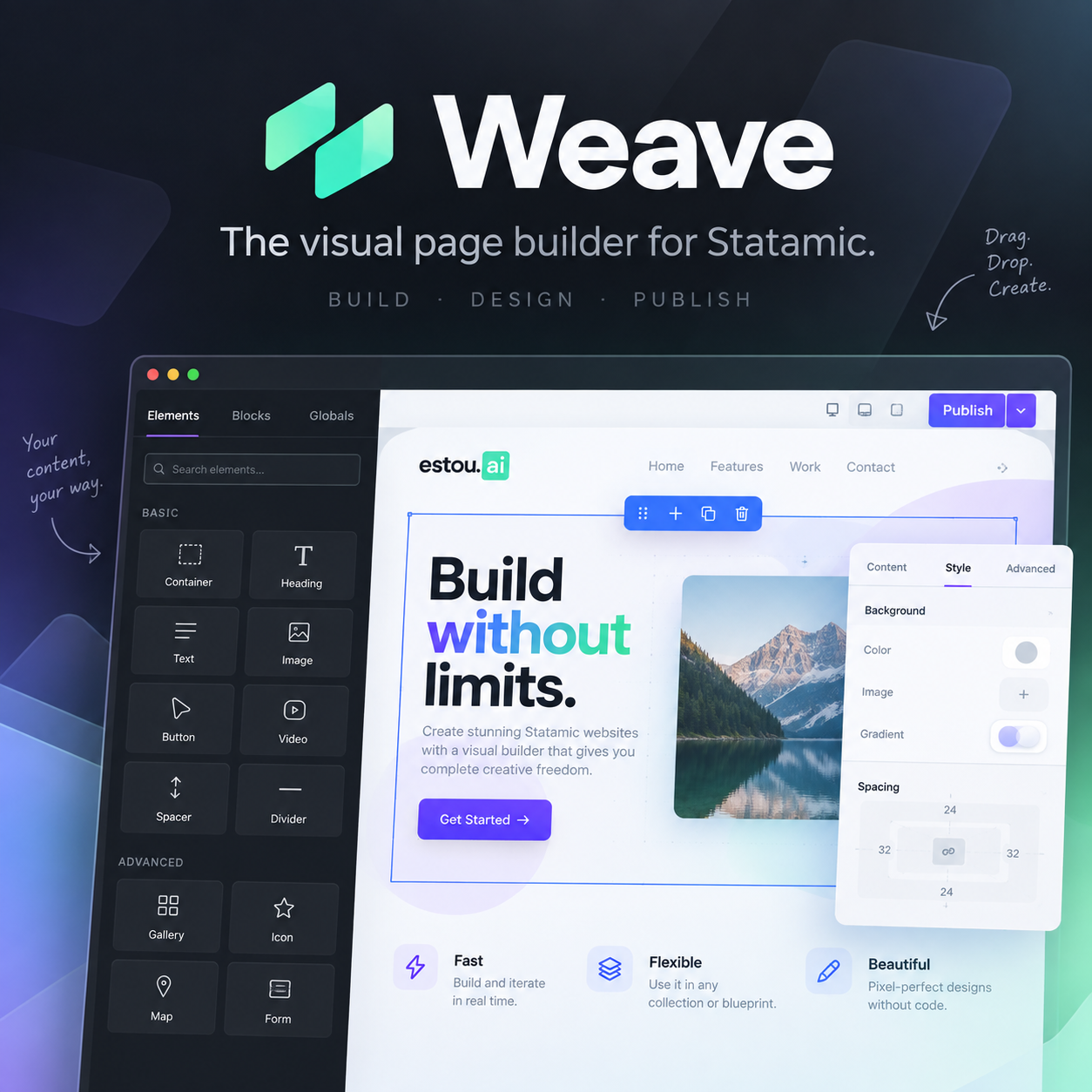

RGPD/GDPR-first cookie consent addon for Statamic 6.
It gives you a Shadow DOM cookie banner, per-site Control Panel settings, Google Consent Mode v2 defaults/updates, generic script and iframe gating for vendors like GTM, GA4, Meta Pixel, LinkedIn Insight Tag, TikTok Pixel, Hotjar, Clarity, and embeds, plus an append-only server-side consent log for proof of consent.
The public banner includes a small Powered by estou.ai attribution.
Features
- RGPD/GDPR-first default copy in Portuguese.
- Per-site Statamic Control Panel settings.
- Enable/disable toggle per site.
- Versioned consent: bump the version to force visitors to decide again.
- Google Consent Mode v2 support (
ad_storage,analytics_storage,ad_user_data,ad_personalization,security_storage). - Inline Consent Mode defaults for
<head>before GTM/gtag.js loads. - Generic
data-cookie-categoryscript and iframe gating for non-Google vendors. - Content gating tags for Antlers templates.
- Server-side JSONL consent log for RGPD Art. 7º(1) / LGPD Art. 8º proof.
- Global Privacy Control auto opt-out.
- Equal prominence accept/reject buttons.
- Shadow DOM styling with
::part()hooks. Powered by estou.aibranding.
Installation
composer require estouai/cookie-consentphp artisan vendor:publish --tag=cookie-consent-configphp artisan vendor:publish --tag=cookie-consent --forceIf you install from a local path repository during development:
{ "repositories": [ { "type": "path", "url": "addons/estouai/cookie-consent" } ], "require": { "estouai/cookie-consent": "*@dev" }}Then run:
composer update estouai/cookie-consentRecommended template setup
Put defaults before any GTM/gtag.js snippet:
<head> {{ cookie_consent:defaults }} <!-- GTM / gtag.js goes here, after defaults --></head>Put banner/button/scripts near the end of the page. Keep scripts outside
{{ nocache }} so they work with full-measure static caching:
{{ cookie_consent }}{{ cookie_consent:button }}{{ cookie_consent:scripts }}Tags
{{ cookie_consent }}
Renders the banner web component.
{{ cookie_consent }}Suppress it manually:
{{ cookie_consent hidden="true" }}{{ cookie_consent:defaults }}
Renders inline Consent Mode defaults. Use in <head> before GTM/gtag.js.
Defaults grant only required groups and deny non-essential groups:
gtag('consent', 'default', { security_storage: 'granted', analytics_storage: 'denied', ad_storage: 'denied', ad_user_data: 'denied', ad_personalization: 'denied'})This is what GTM Consent Settings / built-in consent variables read before the first pageview.
{{ cookie_consent:scripts }}
Loads the compiled JavaScript bundle. It registers custom elements, applies stored consent, updates Consent Mode, activates gated scripts/iframes, resolves content gates, handles Global Privacy Control, and logs decisions server-side.
{{ cookie_consent:button }}
Renders a floating button that reopens preferences.
{{ cookie_consent:allowed }} / {{ cookie_consent:denied }}
Client-side content gating by group:
{{ cookie_consent:allowed group="marketing" }} <div>Marketing-only content</div>{{ /cookie_consent:allowed }} {{ cookie_consent:denied group="marketing" }} <p>Accept marketing cookies to see this embed.</p>{{ /cookie_consent:denied }}When the addon is disabled for the current site, allowed renders directly and
denied renders nothing.
{{ cookie_consent:groups }}
Render a privacy-policy cookie table:
<table> {{ cookie_consent:groups }} <tr> <th>{{ name }}</th> <td>{{ description }}</td> <td>{{ legal_basis }}</td> </tr> {{ cookies }} <tr> <td>{{ name }}</td> <td>{{ purpose }}</td> <td>{{ retention }}</td> </tr> {{ /cookies }} {{ /cookie_consent:groups }}</table>Script and iframe gating
Add data-cookie-category to any vendor script or iframe. Use
data-cookie-src instead of src for remote assets.
GA4 / gtag.js
<script data-cookie-category="analytics" data-cookie-src="https://www.googletagmanager.com/gtag/js?id=G-XXXX"></script> <script data-cookie-category="analytics" type="text/plain">window.dataLayer = window.dataLayer || [];function gtag(){dataLayer.push(arguments);}gtag('js', new Date());gtag('config', 'G-XXXX');</script>Meta Pixel
<script data-cookie-category="marketing" type="text/plain">!function(f,b,e,v,n,t,s){if(f.fbq)return;n=f.fbq=function(){n.callMethod?n.callMethod.apply(n,arguments):n.queue.push(arguments)};if(!f._fbq)f._fbq=n;n.push=n;n.loaded=!0;n.version='2.0';n.queue=[];t=b.createElement(e);t.async=!0;t.src=v;s=b.getElementsByTagName(e)[0];s.parentNode.insertBefore(t,s)}(window, document,'script','https://connect.facebook.net/en_US/fbevents.js');fbq('init', 'PIXEL_ID');fbq('track', 'PageView');</script>LinkedIn Insight Tag
<script data-cookie-category="marketing" type="text/plain">_linkedin_partner_id = "PARTNER_ID";window._linkedin_data_partner_ids = window._linkedin_data_partner_ids || [];window._linkedin_data_partner_ids.push(_linkedin_partner_id);(function(l) {if (!l){window.lintrk = function(a,b){window.lintrk.q.push([a,b])};window.lintrk.q=[]}var s = document.getElementsByTagName("script")[0];var b = document.createElement("script");b.type = "text/javascript"; b.async = true;b.src = "https://snap.licdn.com/li.lms-analytics/insight.min.js";s.parentNode.insertBefore(b, s);})(window.lintrk);</script>Embeds
<iframe data-cookie-category="marketing" data-cookie-src="https://www.youtube.com/embed/VIDEO_ID" title="Video"></iframe>Control Panel
Go to Tools → Cookie Consent.
Permission: manage cookie consent settings.
The screen edits:
- enabled toggle
- consent version
- banner position
- theme mode
- copy
- cookie groups JSON
- Consent Mode mapping JSON
Multi-site installs get a site switcher. Each site stores independent settings under:
content/cookie-consent/{site}/settings.yamlIf no CP settings exist, the addon uses config/cookie-consent.php defaults.
Consent Mode v2 and GTM
{{ cookie_consent:defaults }} writes default denied/granted values before GTM
loads. {{ cookie_consent:scripts }} later sends gtag('consent', 'update', ...) after a visitor chooses.
Default mapping:
'consent_mode' => [ 'necessary' => ['security_storage'], 'analytics' => ['analytics_storage'], 'marketing' => ['ad_storage', 'ad_user_data', 'ad_personalization'],]GTM tags should still use Consent Settings / Additional Consent Checks for the signals they require. The addon provides the signal state; GTM enforces it per tag.
2026 consent rules covered
- Global Privacy Control. If
navigator.globalPrivacyControl === trueand no stored decision exists yet, non-essential groups are auto-rejected without flashing the banner. The decision is logged withsource: 'gpc'. - Equal prominence. Accept and reject buttons on the first layer use equal visual weight. Customize stays secondary.
- Google June 2026 Consent Mode change.
ad_storageis denied by default until the marketing group is granted, so Google Ads data stays gated by the consent signal that now matters.
Not implemented: IAB TCF v2.2+. Add a dedicated TCF CMP if you sell ad inventory programmatically through real-time bidding.
Consent log
Every accept/reject/save decision is sent to:
POST /!/cookie-consent/logIt appends one JSON line per decision:
storage/app/cookie-consent/{site}/{YYYY-MM-DD}.jsonlFields:
versiongroupspagesitetimestampsource(explicitorgpc)ip_hash(SHA-256 of IP + app key, not raw IP)user_agent
Query examples:
grep '"ip_hash":"<hash>"' storage/app/cookie-consent/*/*.jsonljq -c 'select(.groups | index("marketing"))' storage/app/cookie-consent/*/*.jsonlThe endpoint is CSRF-exempt because static-cached pages may not have a CSRF cookie to send. It is throttled at 60 requests/minute per IP. Prune or rotate old logs according to your retention policy.
JavaScript API
window.CookieConsent.showDialog()window.CookieConsent.showDialog(true) // reload after preferences changewindow.CookieConsent.preferences // { version, timestamp, groups, source }window.CookieConsent.allowedGroups // ['necessary', 'analytics']window.CookieConsent.allowedCookies // ['cookie_consent', '_ga', ...]window.CookieConsent.on('change', (event) => { console.log(event.detail)})Styling
The banner and button use Shadow DOM. Style via parts:
cookie-consent-banner::part(dialog) {}cookie-consent-banner::part(text) {}cookie-consent-banner::part(link) {}cookie-consent-banner::part(button) {}cookie-consent-banner::part(groups) {}cookie-consent-banner::part(branding) {}cookie-consent-button::part(button) {}Configuration
Published config lives at:
config/cookie-consent.phpImportant keys:
enabledversiontextpositionthemebuttongroupsconsent_mode
Floating preferences button
button controls {{ cookie_consent:button }}:
'button' => [ 'enabled' => true, 'label' => 'Cookies', 'aria_label' => 'Cookie preferences', 'position' => 'bottom-right', // bottom-left | bottom-right | top-left | top-right 'background' => '#ffffff', 'foreground' => '#6b7280', 'border' => 'rgba(1, 57, 131, 0.12)', 'shadow' => '0 8px 24px rgba(1, 57, 131, 0.16)', 'icon' => 'cookie', // cookie | none | custom HTML/SVG string 'icon_background' => '#013983', 'icon_foreground' => '#ffffff',],When the banner is open, the button hides automatically so it cannot overlap the dialog. Before first consent, it also stays hidden while the banner is visible.
License
Proprietary. See LICENSE.md.