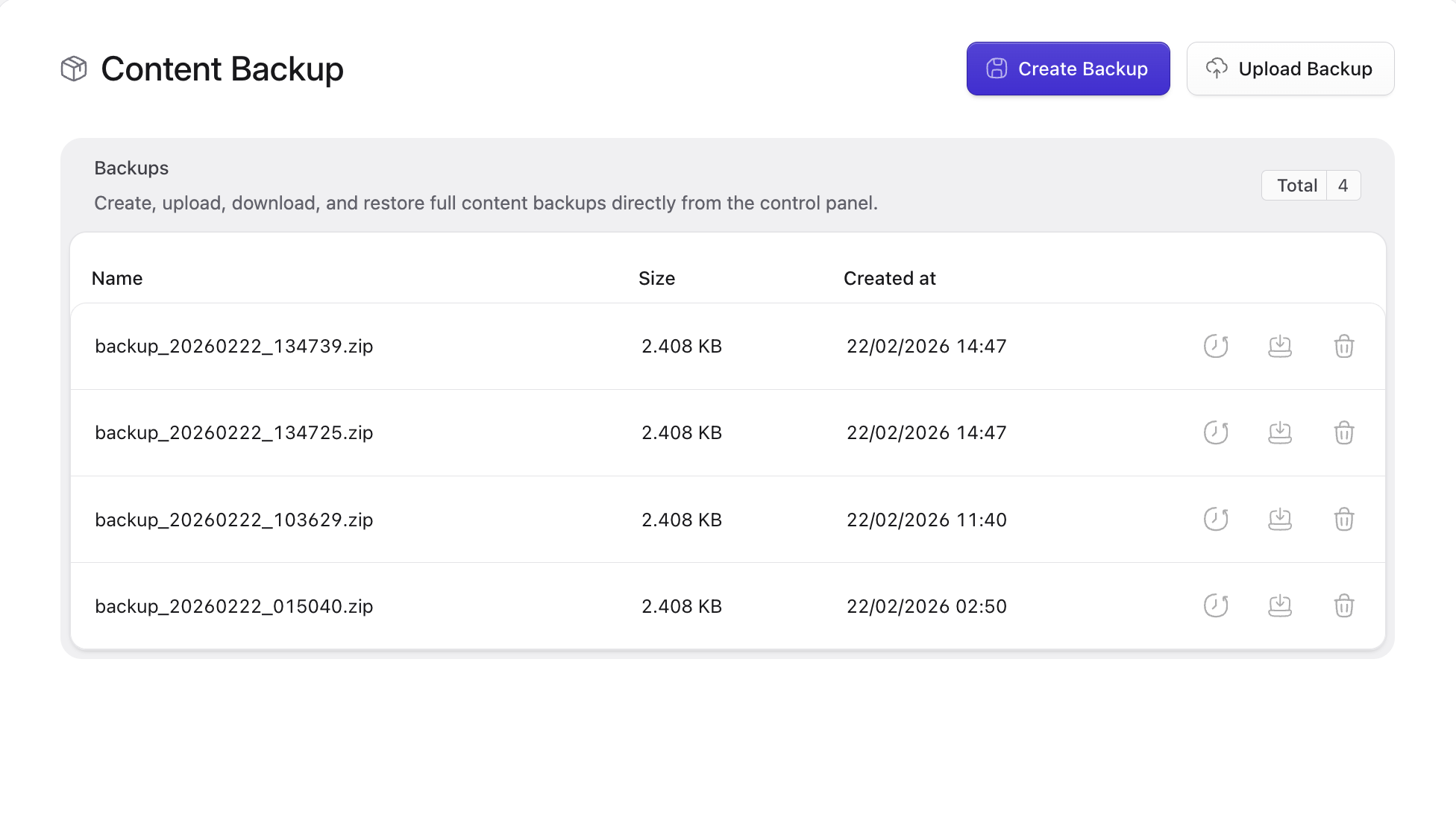

Statamic Content Backup is a Statamic addon that allows control panel users to create, download, upload and restore content backups easily.
Features
- Create and restore full content backups from the control panel
- Back up database-stored content
- Upload and download backup archives
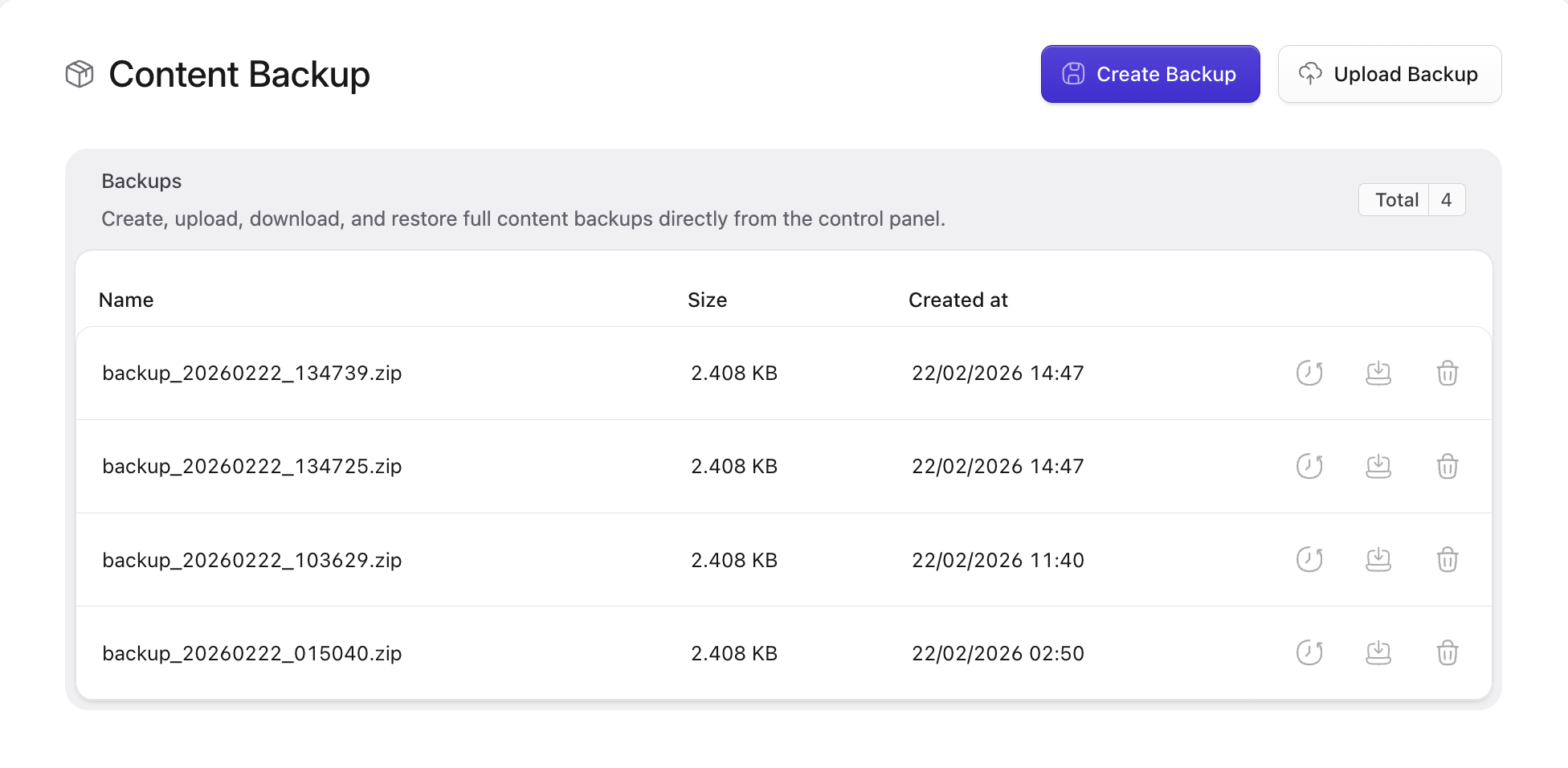
- Backup history with size and creation date
- Background backup creation via Laravel queues
Installation
Install this addon running the following command from your project's root directory:
composer require lucapon/statamic-content-backupAfter installation, publish the configuration file with:
php artisan vendor:publish --tag=statamic-content-backup-configRun the following command to start the Laravel queue to handle backups creation in the background:
php artisan queue:workUsage
Once installed, the addon is available under Utilities > Content Backup in the Statamic control panel.
Customization
You can customize which files and database tables are included in the backup by editing the configuration file located at: config/statamic-content-backup.php
Upgrading
Upgrading to v3
If you upgrade to version ^2.0.0 or ^3.0.0, it is recommended to republish the configuration file to ensure compatibility with the updated features. Run the following command:
php artisan vendor:publish --tag=statamic-content-backup-config --forceThis will overwrite your old configuration file with the updated version. Be sure to review the new configuration file for any additional options or changes.
Upgrading to v4
Version 4.x requires Statamic 6 (and Laravel 12). It is not compatible with earlier versions of Statamic.
composer require lucapon/statamic-content-backup:^4.0Permissions: In v3, the addon used a custom permission (statamic-content-backup-permission). In v4, permissions are managed automatically by Statamic's utility system. The permission is now access content_backup utility and can be configured under Users > Roles > Utilities in the control panel.