 Cbox
Cbox
Documentation
How It Works
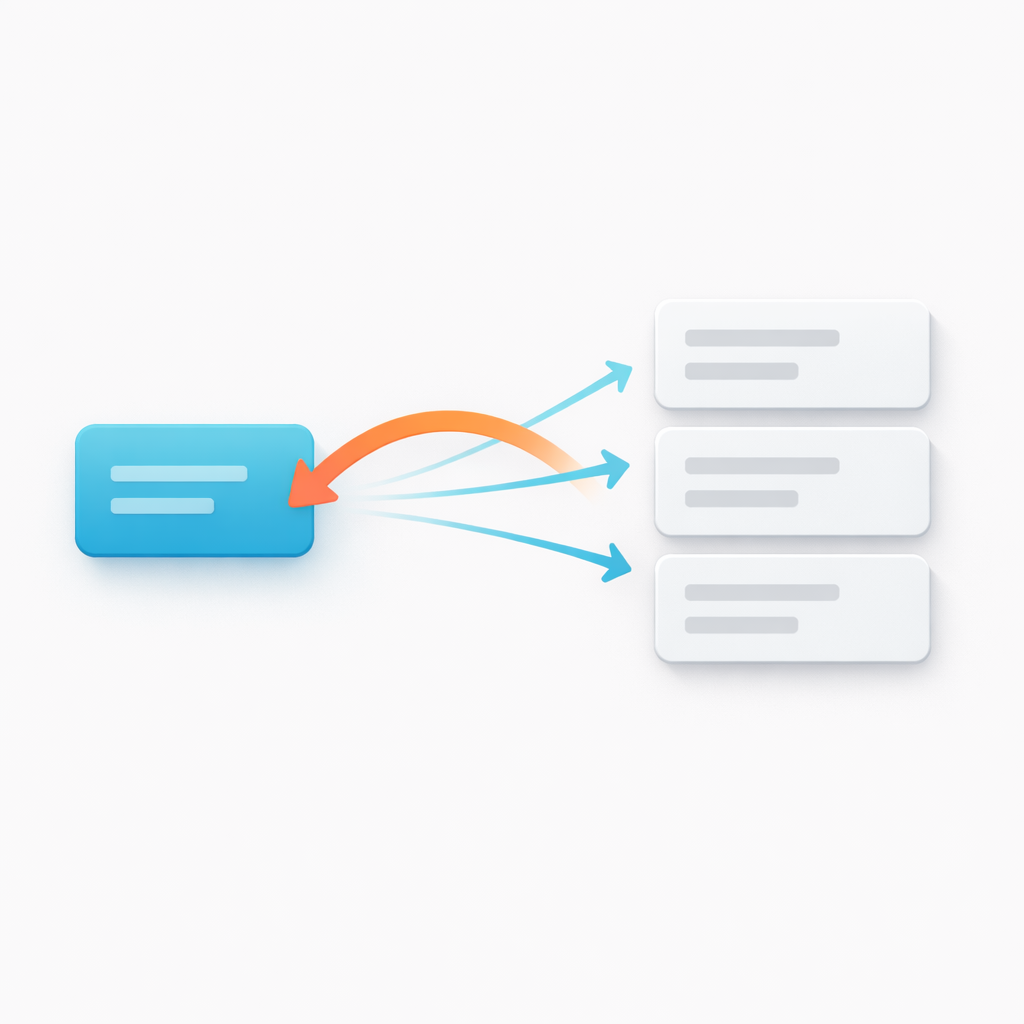
Imagine you have a comments collection where each comment has an entries field called post that points to a blog post. You want the blog post to show all its comments.
Without this addon: You'd have to manually maintain a list of comment IDs on each blog post, keeping both sides in sync.
With this addon: Add the reverse_relationship fieldtype to your blog post blueprint, point it at the comments collection and the post field, and you're done. The addon figures out which comments reference each post at runtime — from a single source of truth.
Setup
1. You already have a forward relationship
In the comments blueprint, there's an entries field pointing to blog posts:
# blueprints/collections/comments/comment.yaml- handle: post field: type: entries collections: - blog2. Add the reverse relationship field
In the blog blueprint, add a reverse_relationship field that points back:
# blueprints/collections/blog/post.yaml- handle: comments field: type: reverse_relationship display: Comments collection: comments # look in this collection field: post # for entries whose "post" field # points to the current entryYou can also add this through the CP blueprint editor — the fieldtype has a UI for all options.
3. Use it in your templates
The field behaves just like Statamic's native entries fieldtype. It returns a query builder, which means Antlers resolves it lazily and you get full access to filtering, sorting, and pagination — exactly like you'd expect.
Templating
Basic loop
{{# On a blog post template — show all comments for this post #}}<h1>{{ title }}</h1> {{ comments }} <article> <h3>{{ author }}</h3> <p>{{ content }}</p> </article>{{ /comments }}Limit and offset
{{# Latest 3 comments #}}{{ comments limit="3" sort="date:desc" }} <p>{{ author }} — {{ content | truncate:80 }}</p>{{ /comments }} {{# Skip the first 2, show the next 5 #}}{{ comments limit="5" offset="2" }} <p>{{ author }}: {{ content }}</p>{{ /comments }}Sort
{{# Sort by date, newest first #}}{{ comments sort="date:desc" }} <p>{{ author }} — {{ date format="d M Y" }}</p>{{ /comments }} {{# Sort by author name #}}{{ comments sort="author:asc" }} <p>{{ author }}: {{ content }}</p>{{ /comments }}Count
<p>{{ comments | count }} comments on this post</p>Conditional display
{{ if comments }} <h2>Comments ({{ comments | count }})</h2> {{ comments sort="date:desc" }} <p>{{ author }}: {{ content }}</p> {{ /comments }}{{ else }} <p>No comments yet.</p>{{ /if }}Scoped variables
Use scope to avoid variable name collisions inside nested loops:
{{ collection:blog }} <h2>{{ title }}</h2> {{ comments scope="comment" }} {{# "title" would be the post title here, so use the scope #}} <p>{{ comment:author }} commented on {{ title }}</p> {{ /comments }}{{ /collection:blog }}Pagination
{{ comments paginate="10" as="items" }} {{ items }} <div> <strong>{{ author }}</strong> <p>{{ content }}</p> </div> {{ /items }} {{ paginate }} {{ if prev_page }}<a href="{{ prev_page }}">Previous</a>{{ /if }} {{ if next_page }}<a href="{{ next_page }}">Next</a>{{ /if }} {{ /paginate }}{{ /comments }}Real-world example: Blog post with comments
<article> <h1>{{ title }}</h1> {{ content }} <section> {{ if comments }} <h2>Comments ({{ comments | count }})</h2> {{ comments sort="date:desc" }} <div> <strong>{{ author }}</strong> <time>{{ date format="d M Y" }}</time> <p>{{ content }}</p> </div> {{ /comments }} {{ else }} <p>No comments yet. Be the first!</p> {{ /if }} </section></article>Real-world example: Product with reviews
<h1>{{ title }}</h1><p>{{ price }}</p> {{ if reviews }} <h2>Customer Reviews ({{ reviews | count }})</h2> {{ reviews sort="rating:desc" }} <div> <span>{{ rating }}/5</span> <strong>{{ author }}</strong> <p>{{ body }}</p> </div> {{ /reviews }}{{ /if }}Real-world example: Series with episodes
<h1>{{ title }}</h1><p>{{ episodes | count }} episodes</p> {{ episodes sort="episode_number" }} <a href="{{ url }}"> Ep. {{ episode_number }}: {{ title }} </a>{{ /episodes }}Antlers Tag
For cases where you don't have a blueprint field — or need to query reverse relationships from a different context — there's a standalone Antlers tag:
{{ reverse_relationship collection="comments" field="post" }} <p>{{ author }}: {{ content }}</p>{{ /reverse_relationship }}The tag uses the current entry's ID by default. You can also pass any ID explicitly:
{{# Show comments for a specific blog post #}}{{ reverse_relationship collection="comments" field="post" id="my-first-post" }} {{ author }}: {{ content }}{{ /reverse_relationship }} {{# Or from a variable #}}{{ reverse_relationship collection="comments" field="post" :id="related_post" }} {{ author }}: {{ content }}{{ /reverse_relationship }} {{# Count #}}{{ reverse_relationship:count collection="comments" field="post" }} {{# With all the bells and whistles #}}{{ reverse_relationship collection="comments" field="post" limit="5" sort="date:desc" as="comments" }} {{ comments }} {{ author }} — {{ content }} {{ /comments }} {{ if no_results }}No comments yet{{ /if }}{{ /reverse_relationship }}Tag parameters
| Parameter | Required | Default | Description |
|---|---|---|---|
collection |
Yes* | — | Collection to search (entries mode) |
taxonomy |
Yes* | — | Taxonomy to search (terms mode) |
container |
Yes* | — | Asset container to search (assets mode) |
field |
Yes | — | Field handle on related items that stores the reference |
id |
No | Current entry | The ID to look up references for |
mode |
No | entries |
entries, terms, or assets |
limit |
No | — | Max items to return |
offset |
No | — | Skip this many items |
sort |
No | — | Sort order, e.g. title:desc |
paginate |
No | — | Items per page |
as |
No | — | Wrap results in a named variable |
*One of collection, taxonomy, or container is required depending on mode.
Fieldtype Reference
Blueprint options
| Option | Type | Required | Default | Description |
|---|---|---|---|---|
mode |
entries / terms / assets |
No | entries |
What type of content to look up |
collection |
handle | When mode=entries |
— | Which collection to search |
taxonomy |
handle | When mode=terms |
— | Which taxonomy to search |
container |
handle | When mode=assets |
— | Which asset container to search |
field |
handle | Yes | — | The field on related items that stores the reference |
sort |
handle | No | title |
Field to sort results by |
editable |
boolean | No | false |
Allow adding/removing related items from the CP |
More YAML examples
One-to-many — A blog post has many comments:
# On the blog blueprint — show comments that reference this post- handle: comments field: type: reverse_relationship display: Comments collection: comments field: post sort: dateOne-to-many — A series has many episodes:
- handle: episodes field: type: reverse_relationship display: Episodes collection: episodes field: series sort: episode_numberMany-to-many — Show which articles reference each topic:
# On the topics blueprint — show articles that tag this topic- handle: articles field: type: reverse_relationship display: Articles collection: articles field: topicsTerms mode — Find taxonomy terms that reference an entry:
- handle: related_tags field: type: reverse_relationship display: Related Tags mode: terms taxonomy: tags field: related_entryAssets mode — Find assets that reference an entry:
- handle: related_files field: type: reverse_relationship display: Related Files mode: assets container: documents field: linked_articleEditable mode
When editable: true, the CP field becomes interactive — you can search, attach, and detach related items directly from the parent entry. Changes are saved to the related entry's field (the source of truth), not to the parent.
- handle: comments field: type: reverse_relationship display: Comments collection: comments field: post editable: true