


AI-powered field actions for Statamic. Generate alt text, extract tags, create teasers, transcribe audio, and more — directly from the control panel.
Features
- Zero-friction workflow: One-click AI actions integrated directly into field UI
- Multiple AI providers: OpenAI, Anthropic, Gemini, and Mistral via Prism PHP
- Background processing: Jobs run asynchronously with status tracking
- Bulk actions: Run actions on multiple entries/assets from listing views
- CLI command:
php please magic:runfor batch processing with dry-run support - 9 built-in actions: Alt text, captions, titles, meta descriptions, teasers, tags, transcription
- Extensible: Create custom actions — just extend
BaseMagicAction
Installation
composer require el-schneider/statamic-magic-actionsConfiguration
Add your API keys to .env:
OPENAI_API_KEY=sk-...ANTHROPIC_API_KEY=sk-ant-...GEMINI_API_KEY=...MISTRAL_API_KEY=...Only add keys for the providers you plan to use.
Optionally publish the config:
php artisan vendor:publish --tag=statamic-magic-actions-configBuilt-in Actions
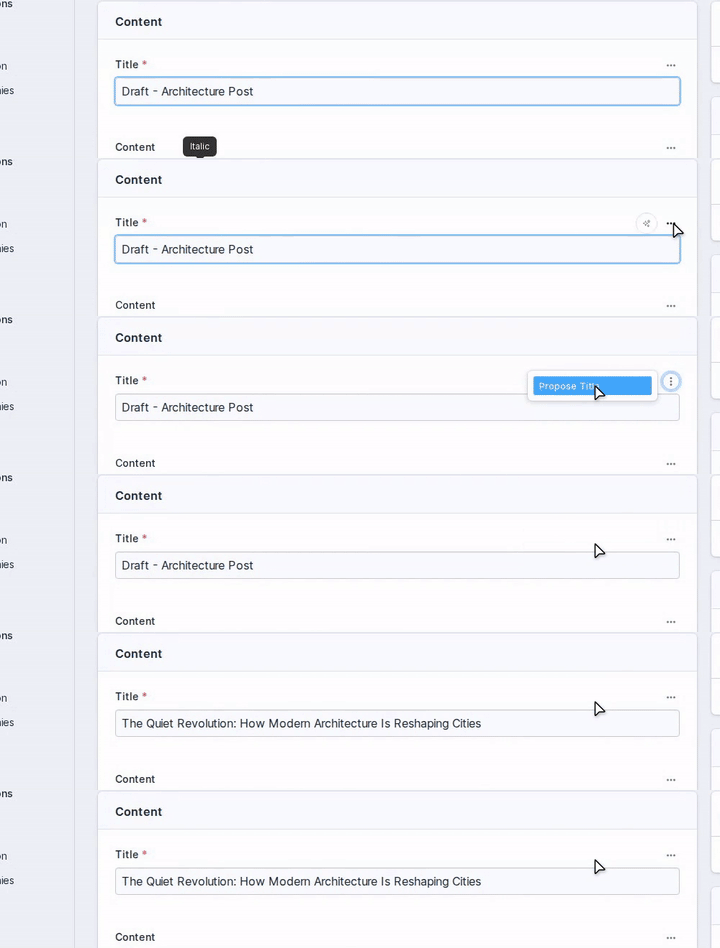
Propose Title
Generate SEO-friendly titles from entry content.
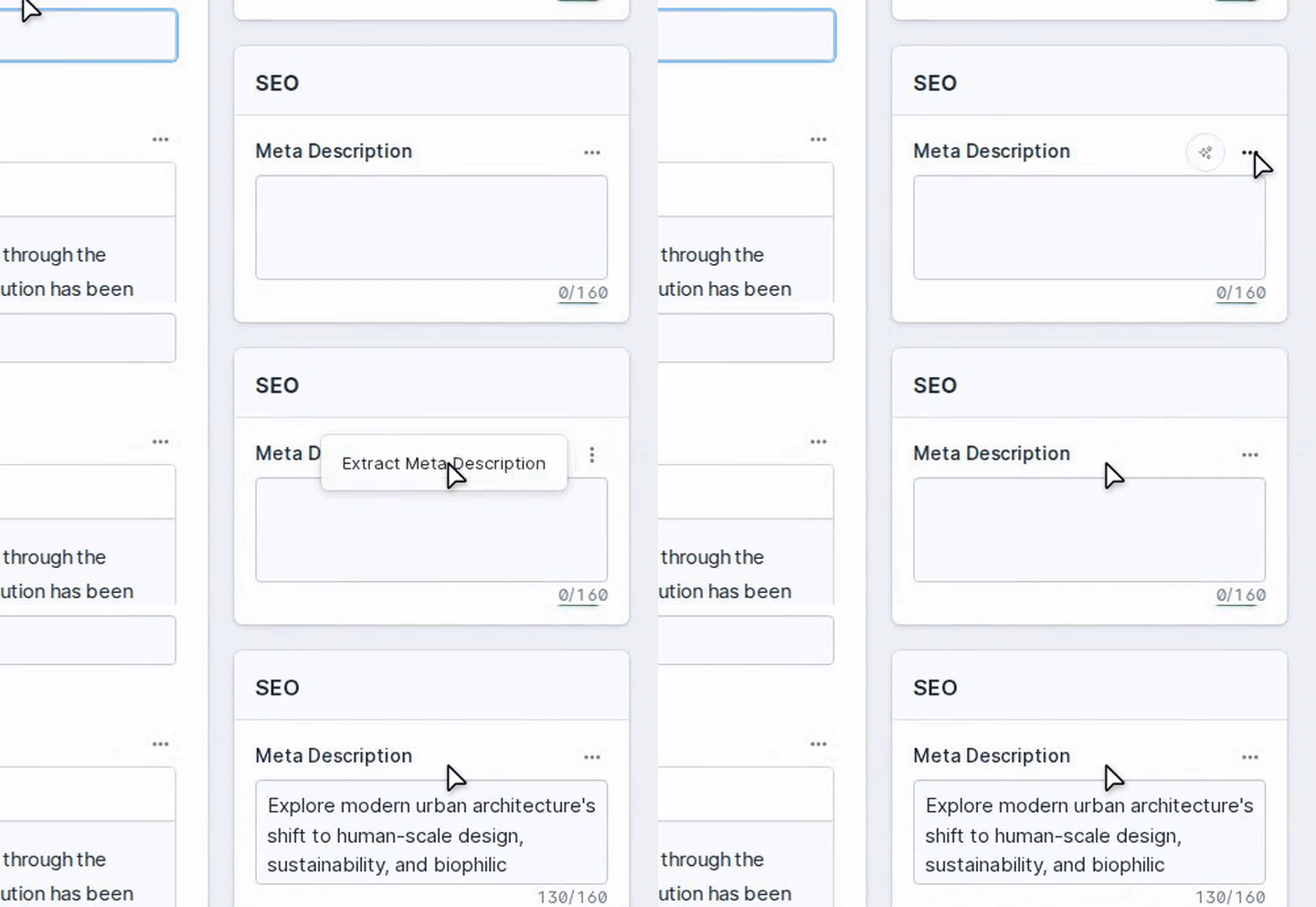
Extract Meta Description
Generate SEO-optimized descriptions (max 160 characters) from entry content.
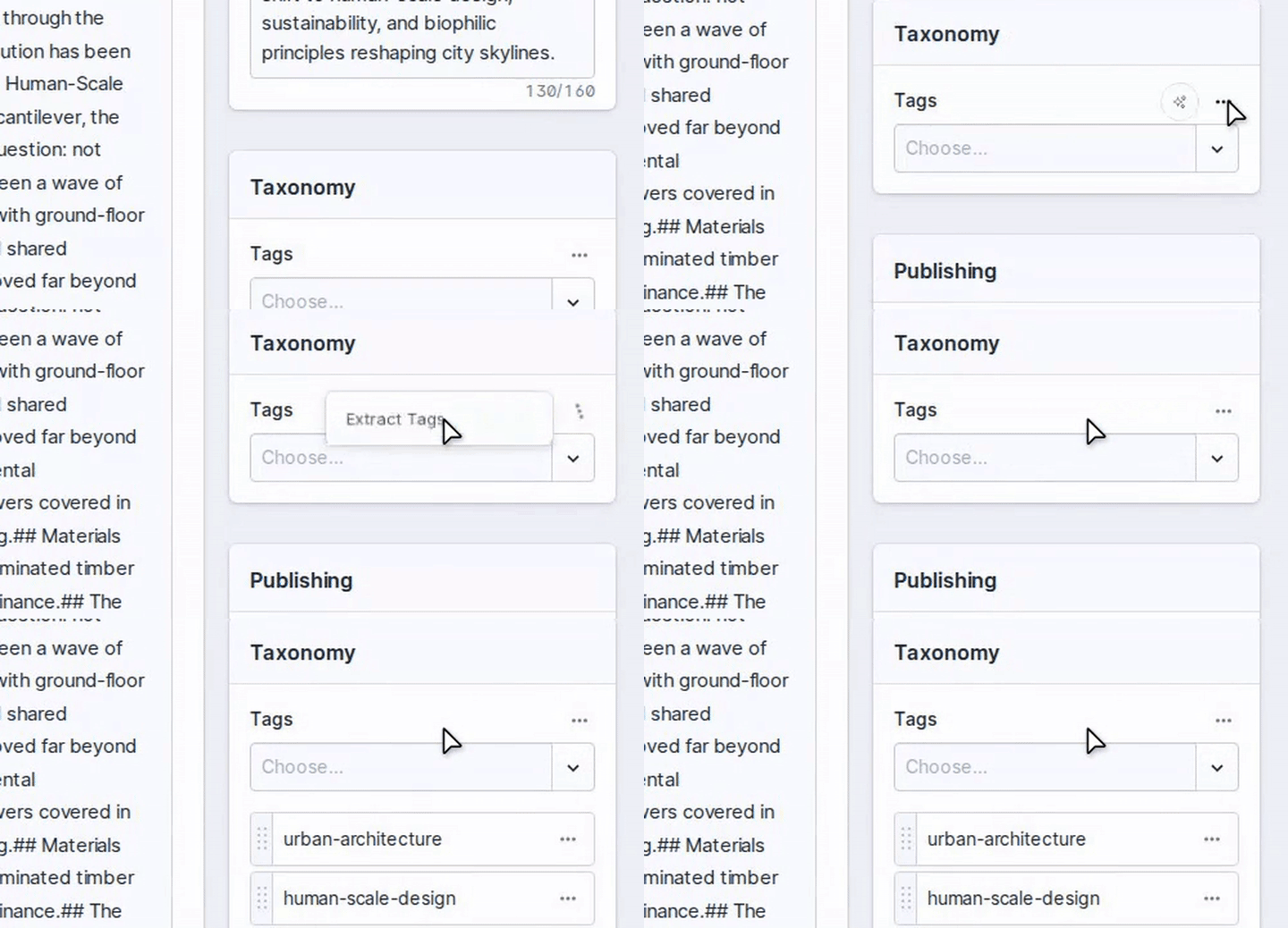
Extract Tags
Auto-generate taxonomy tags from entry content.
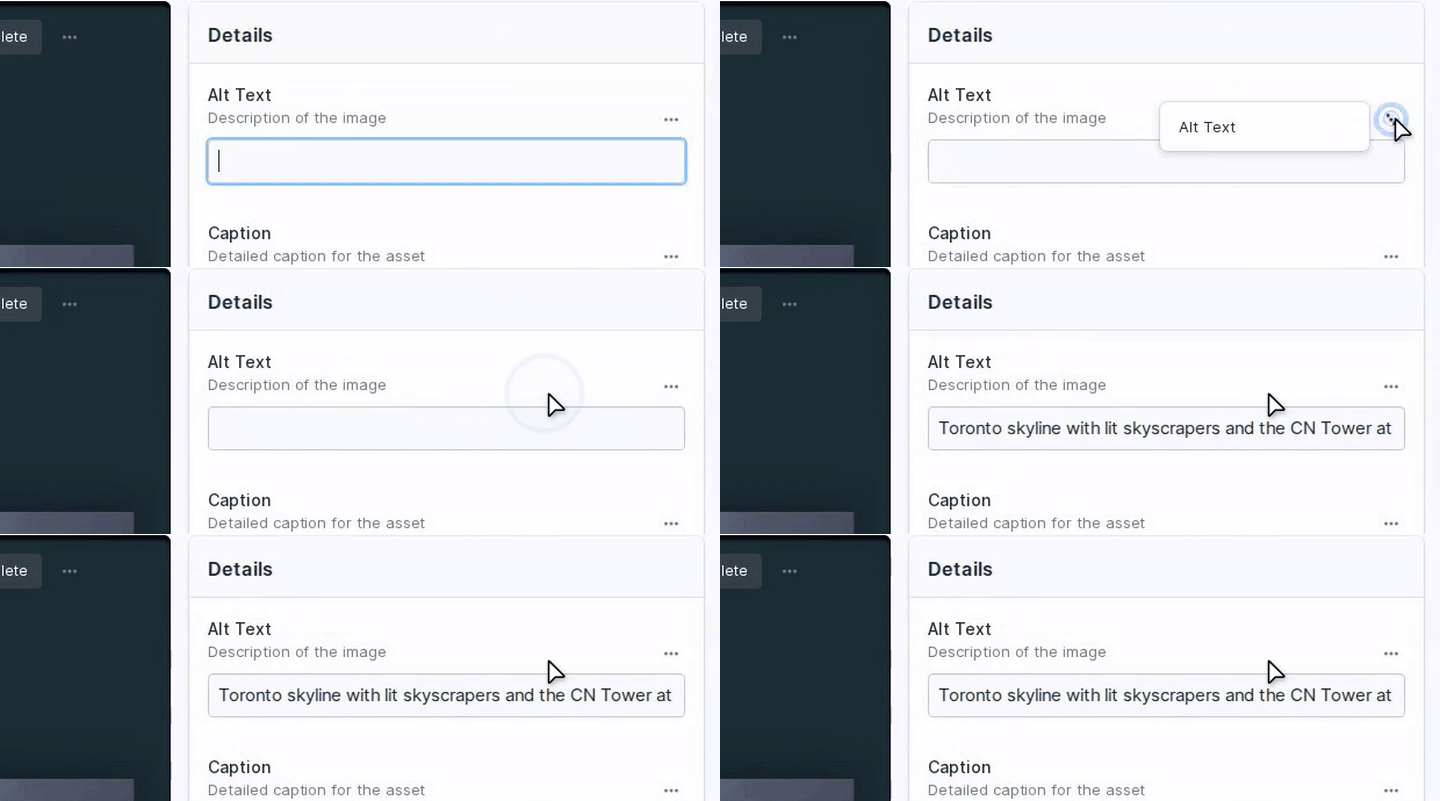
Alt Text
Create accessible image descriptions using vision models.
Action Reference
| Action | Description | Fieldtypes | Source | Model |
|---|---|---|---|---|
| Propose Title | SEO-friendly titles from content | Text | Entry content | Text |
| Extract Meta Description | SEO descriptions (max 160 chars) | Textarea | Entry content | Text |
| Extract Tags | Auto-generate taxonomy tags | Terms | Entry content | Text |
| Alt Text | Accessible image descriptions | Text | Asset image | Vision |
| Image Caption | Narrative captions for images | Text, Textarea, Bard | Asset image | Vision |
| Create Teaser | Preview text (~300 chars) from content | Textarea, Bard | Entry content | Text |
| Transcribe Audio | Audio-to-text via Whisper | Textarea, Bard | Audio asset | Audio |
| Assign Tags | Match content to existing taxonomy terms | Terms | Entry content + taxonomy | Text |
| Extract Asset Tags | Generate tags from image analysis | Terms | Asset image | Vision |
Usage
1. Configure a field in your blueprint
In the Statamic control panel, edit any supported fieldtype and enable Magic Actions:
- Enabled: Toggle on
- Action: Choose from available actions (supports multiple per field)
- Source: Field containing source content
- Mode: Append or Replace
2. Click the magic button
A wand icon appears on configured fields. Click it to run the action.
3. Bulk actions
Select entries or assets in listing views — bulk action buttons appear automatically for all actions that declare supportsBulk().
4. CLI batch processing
# Process all entries in a collectionphp please magic:run --collection=pages --field=title --action=propose-title # Dry run to preview targetsphp please magic:run --collection=pages --field=title --action=propose-title --dry-run # Process a specific entry by IDphp please magic:run --entry=entry-id --field=title --action=propose-title # Queue jobs instead of running synchronouslyphp please magic:run --collection=pages --field=title --action=propose-title --queue5. Queue processing
For best performance, configure a queue worker:
php artisan queue:workWithout a queue worker, jobs run synchronously which may cause timeouts for longer operations.
Custom Actions
Create your own magic actions by extending BaseMagicAction:
<?php namespace App\MagicActions; use ElSchneider\StatamicMagicActions\MagicActions\BaseMagicAction;use Prism\Prism\Schema\ObjectSchema;use Prism\Prism\Schema\StringSchema; final class Summarize extends BaseMagicAction{ public const string TITLE = 'Summarize'; public function type(): string { return 'text'; } public function schema(): ?ObjectSchema { return new ObjectSchema( name: 'summary_response', description: 'Content summary', properties: [ new StringSchema('summary', 'Brief summary'), ], requiredFields: ['summary'] ); } public function rules(): array { return ['text' => 'required|string']; } public function system(): string { return 'You are a summarization expert. Create concise summaries.'; } public function prompt(): string { return <<<'BLADE'{{ $text }}BLADE; } // Optional: enable bulk action support public function supportsBulk(): bool { return true; } public function bulkTargetType(): string { return 'entry'; }}Register in the config:
// config/statamic/magic-actions.php'fieldtypes' => [ 'Statamic\Fieldtypes\Textarea' => [ 'actions' => [ \App\MagicActions\Summarize::class, ], ],],Action Types
| Type | Use Case | Model Examples |
|---|---|---|
text |
Text-to-text processing | gpt-4.1, claude-sonnet-4-5, gemini-2.0-flash, mistral-large-latest |
vision |
Image analysis | gpt-4.1, claude-sonnet-4-5, gemini-2.0-flash |
audio |
Transcription | whisper-1, voxtral-mini-latest |
Prompts with Blade
Prompts support Blade syntax with variables:
public function prompt(): string{ return <<<'BLADE'Content: {{ $text }} Available Tags: {{ $available_tags }}BLADE;}Language Support
Most text actions auto-detect and match the input language. The system prompts instruct the AI to respond in the same language as the source content.
Requirements
- PHP 8.2+
- Statamic 5.0+
- At least one supported provider API key (OpenAI, Anthropic, Gemini, or Mistral)
- Queue worker recommended
License
MIT