

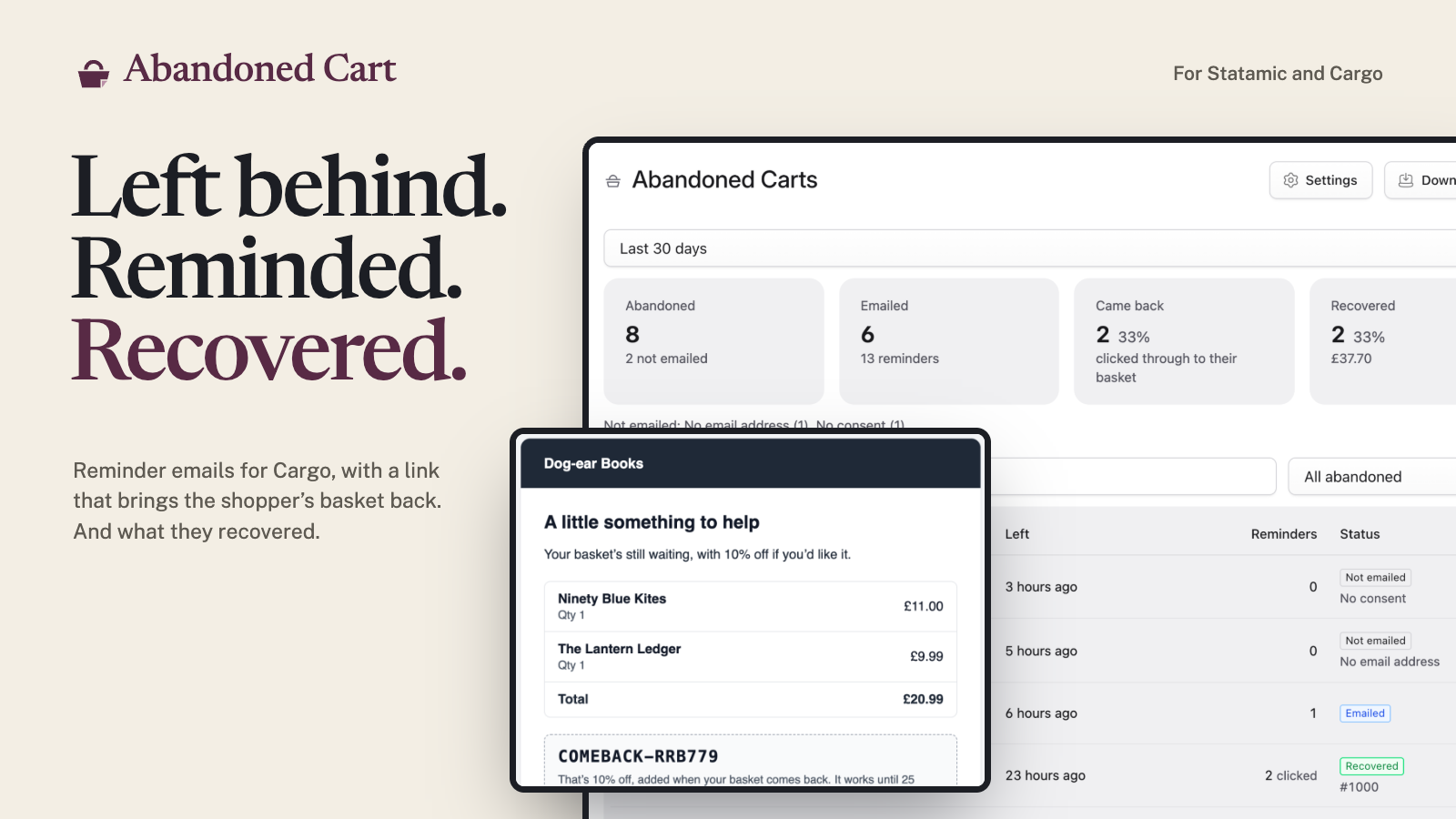
Abandoned cart recovery for Cargo. When a shopper leaves items in their basket, they get up to three reminder emails. The link in each brings their basket back, at today's prices, with a discount code if you choose one. You see what was left, what was sent, and what came back as orders.
Features
- Up to three reminders. Each a set number of hours after the basket last changed. A basket that changes starts the clock again, and nobody gets the same reminder twice.
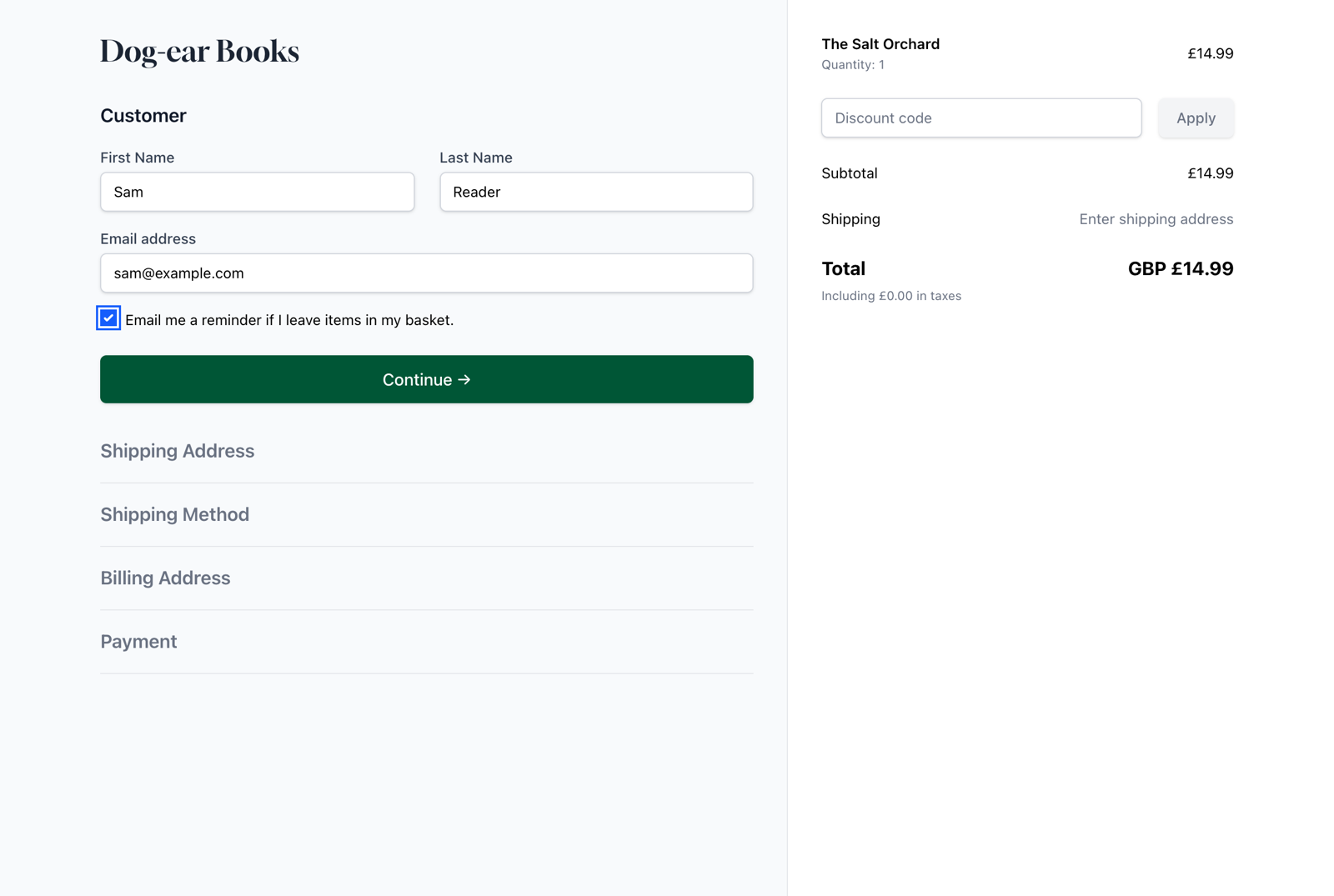
- Consent built in. One tag adds the box to your checkout: opt-in (a box to tick), or UK soft opt-in (a box to say no). Each basket keeps the wording the shopper saw, and when.
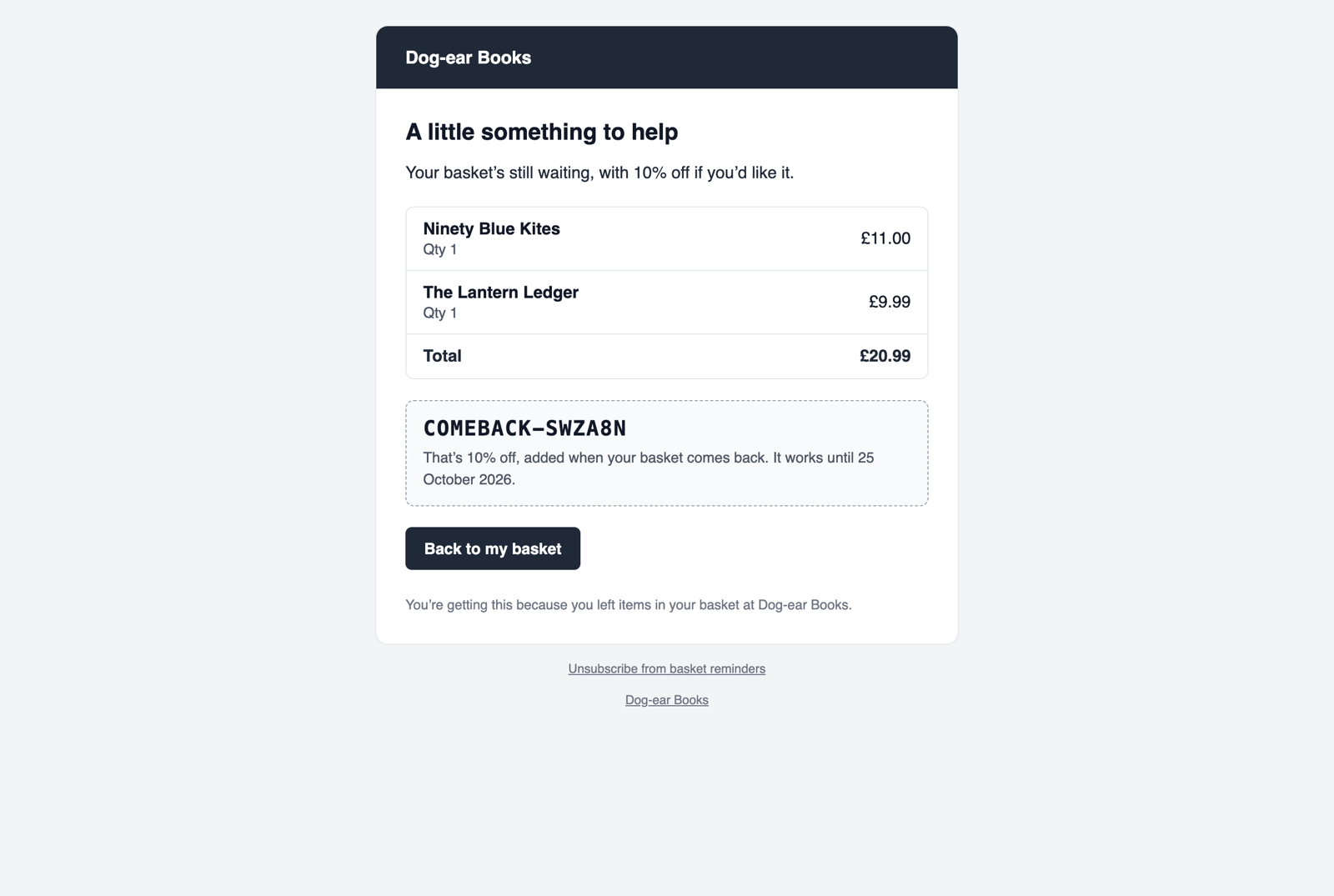
- The basket comes back. The link opens the basket as it is now, with a button that makes it the shopper's basket again. Prices are checked, anything sold out is taken out, and the code is added.
- Discount codes, if you want them. One of your Cargo discounts, or a one-off code made for each email: it works once, only for that shopper, until the link expires.
- Only the right baskets. Guests, signed-in customers or both. A smallest basket, a never-email list, and a test mode that emails only you.
- Stops when it should. An order, a basket emptied or deleted, an unsubscribe: no more reminders.
- One-click unsubscribe, in the email and in the headers mail apps use. No open-tracking pixel.
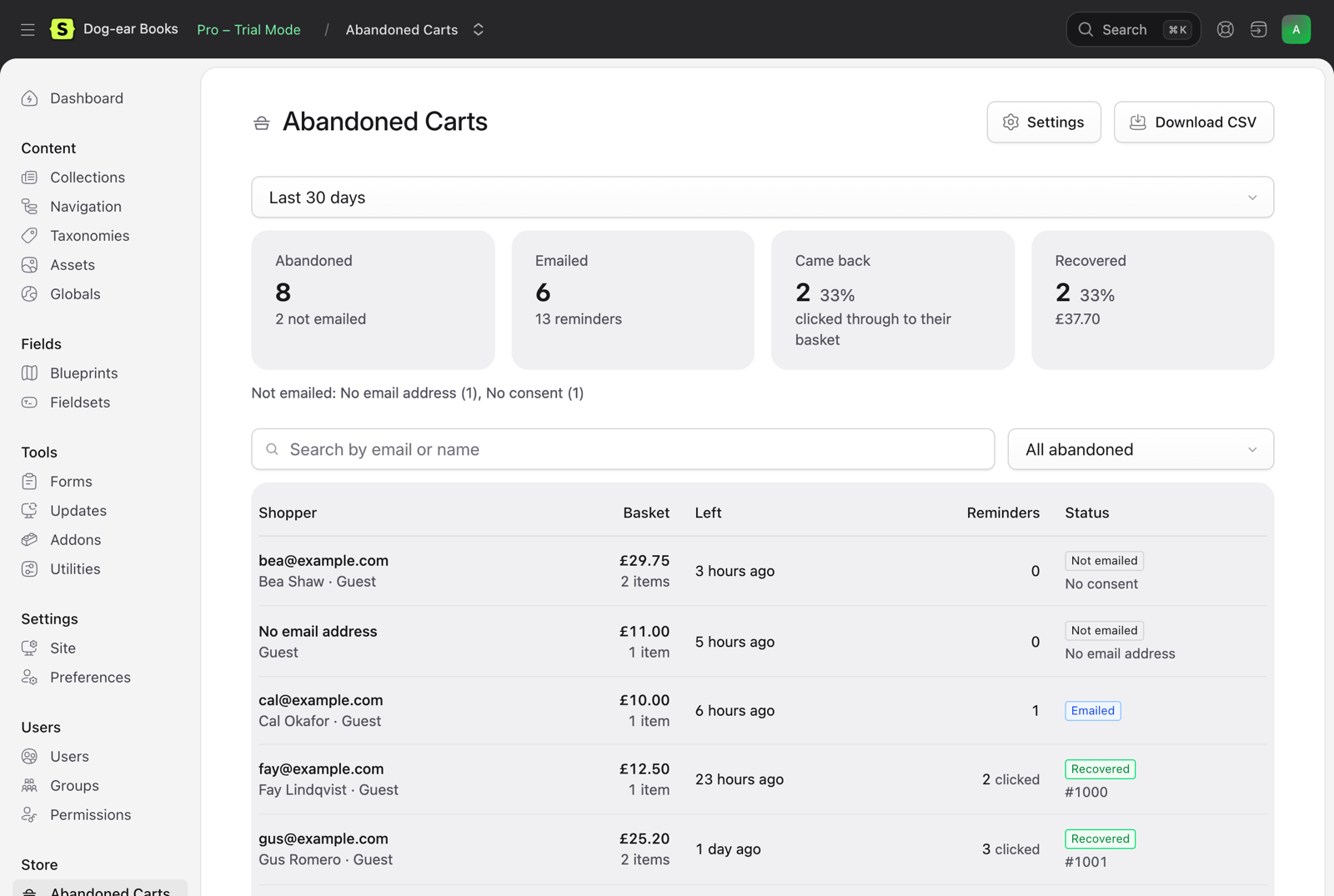
- Recovery in the Control Panel. Store → Abandoned Carts: baskets left, emailed, brought back and recovered, the revenue, and why a basket wasn't emailed. A dashboard widget and CSV download.
- Privacy. Email addresses are removed after 90 days and records deleted after a year. Forget an address with one command. No IP addresses kept.
- Multisite. Emails in the language of the site the basket was on, and the basket brought back on that site.
- Yours to change. Wording, logo and colour in the Control Panel. Publish the emails to change anything else. Events and a PHP API.
 |
 |
 |
Requirements
- Statamic 6.35.1 or later, with Cargo 1.15 or later.
- PHP 8.3 or later, and a database (SQLite is fine).
- Laravel's scheduler running. No queue needed.
Installation
composer require 1994/abandoned-cart-statamicphp artisan migrateRun the scheduler. Reminders are sent by abandoned-cart:send, every minute. If your site doesn't run Laravel's scheduler yet, add this cron entry:
* * * * * cd /path-to-your-site && php artisan schedule:run >> /dev/null 2>&1The Control Panel shows a warning when abandoned-cart:send hasn't run for 15 minutes.
Ask for consent. Add the box to your checkout's customer step, next to the email field:
{{ abandoned_cart:consent }}Blade
<s:abandoned_cart:consent />That's it. Baskets left with an email address and the box ticked get their first reminder an hour later. See Templates for Cargo's prebuilt checkout, signed-in customers and the "Your basket's back" message, and Consent for soft opt-in.
Documentation
Everything else is in the documentation:
- Installation and configuration
- Consent, templates, tags and the demo shop
- Reminders, restoring a basket, discounts, emails, the Control Panel and privacy
- Events, PHP API, HTTP API and troubleshooting
Licence
Abandoned Cart is commercial software, sold through the Statamic Marketplace. Try it free on a local or development site. Each public site needs a licence. See LICENSE.md.
Support
Report bugs and ask questions through the addon's page on the Statamic Marketplace, or email hello@1994.co.uk.
Development
composer install && npm installvendor/bin/phpunit # tracking, sending, consent, restoring, discounts, emails, the Control Panel, and every example in the docsnpm run build # the Control Panel pages