

Let visitors save entries to wishlists, keep as many named lists as they like, and share any of them with a link.
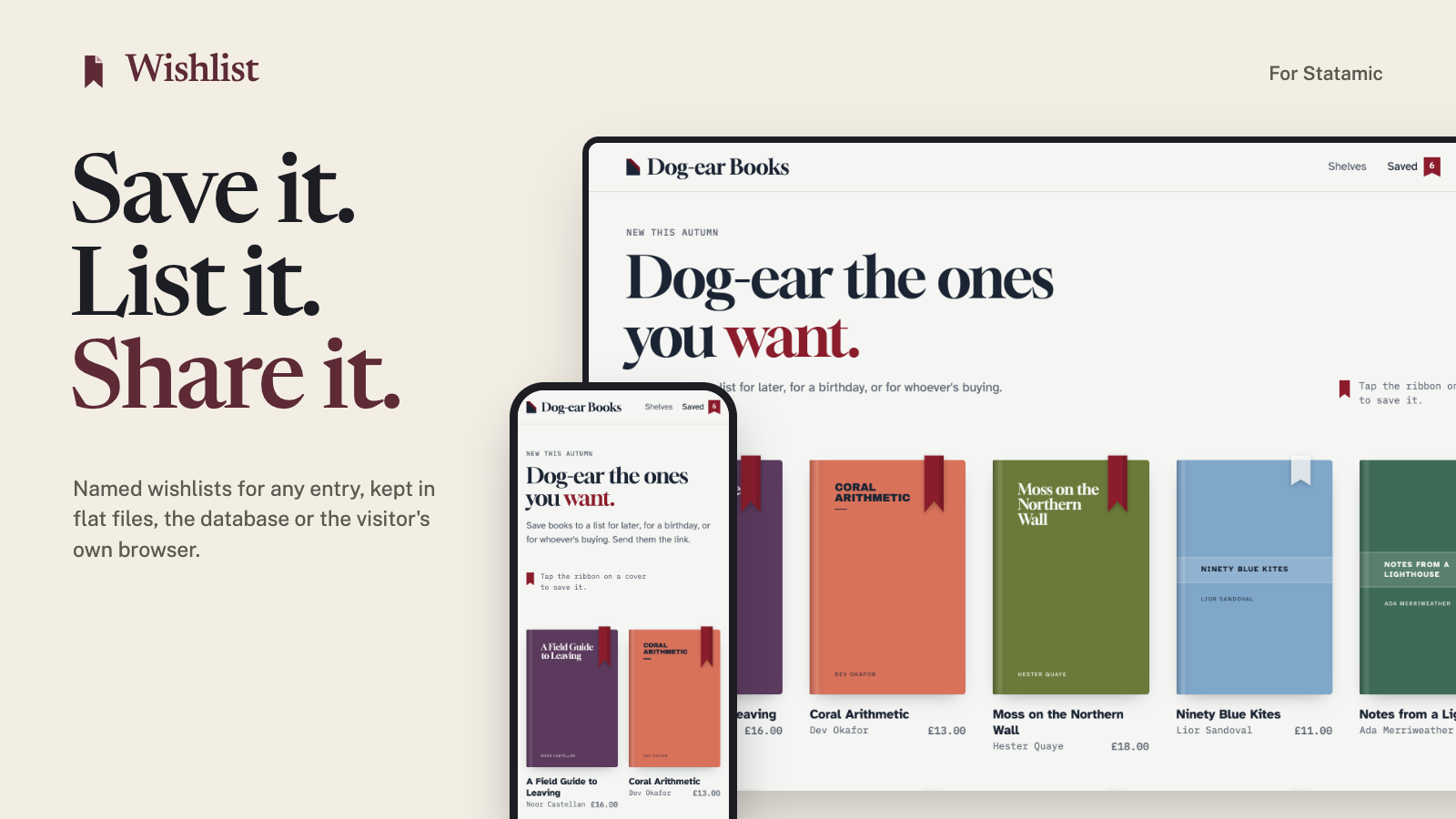
Keep lists in flat files, in the database, or only in the visitor's own browser, so nothing about them is stored on your server. Your templates are the same whichever you choose.
Features
- Save anything. Products, recipes, properties, events: any entry, in the collections you choose, and terms too if you like. Visitors can keep a note and a quantity with each item.
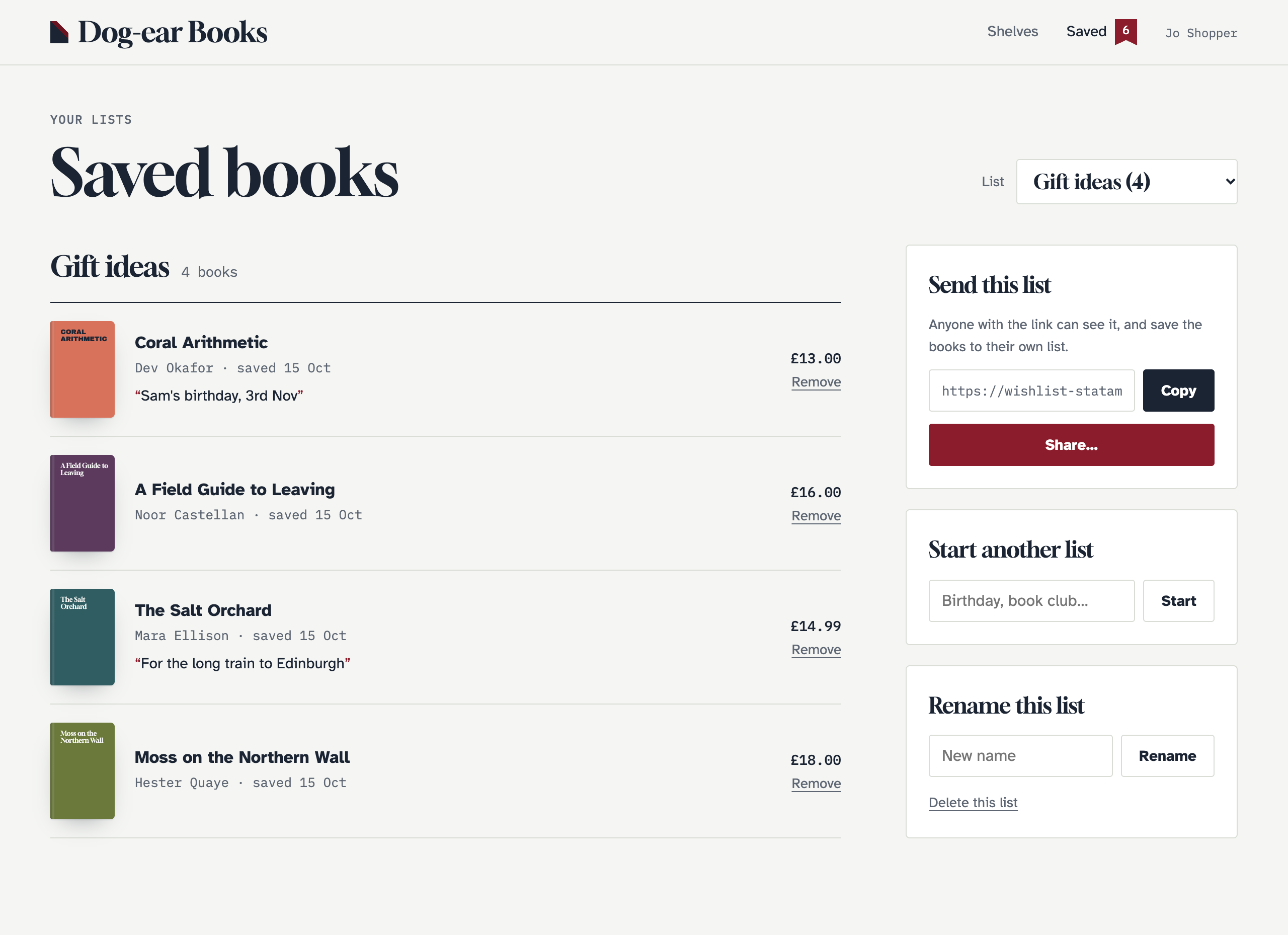
- Several lists. "Birthday", "Kitchen ideas", "For later". Make, rename, delete and pick between them, with a default for quick saves.
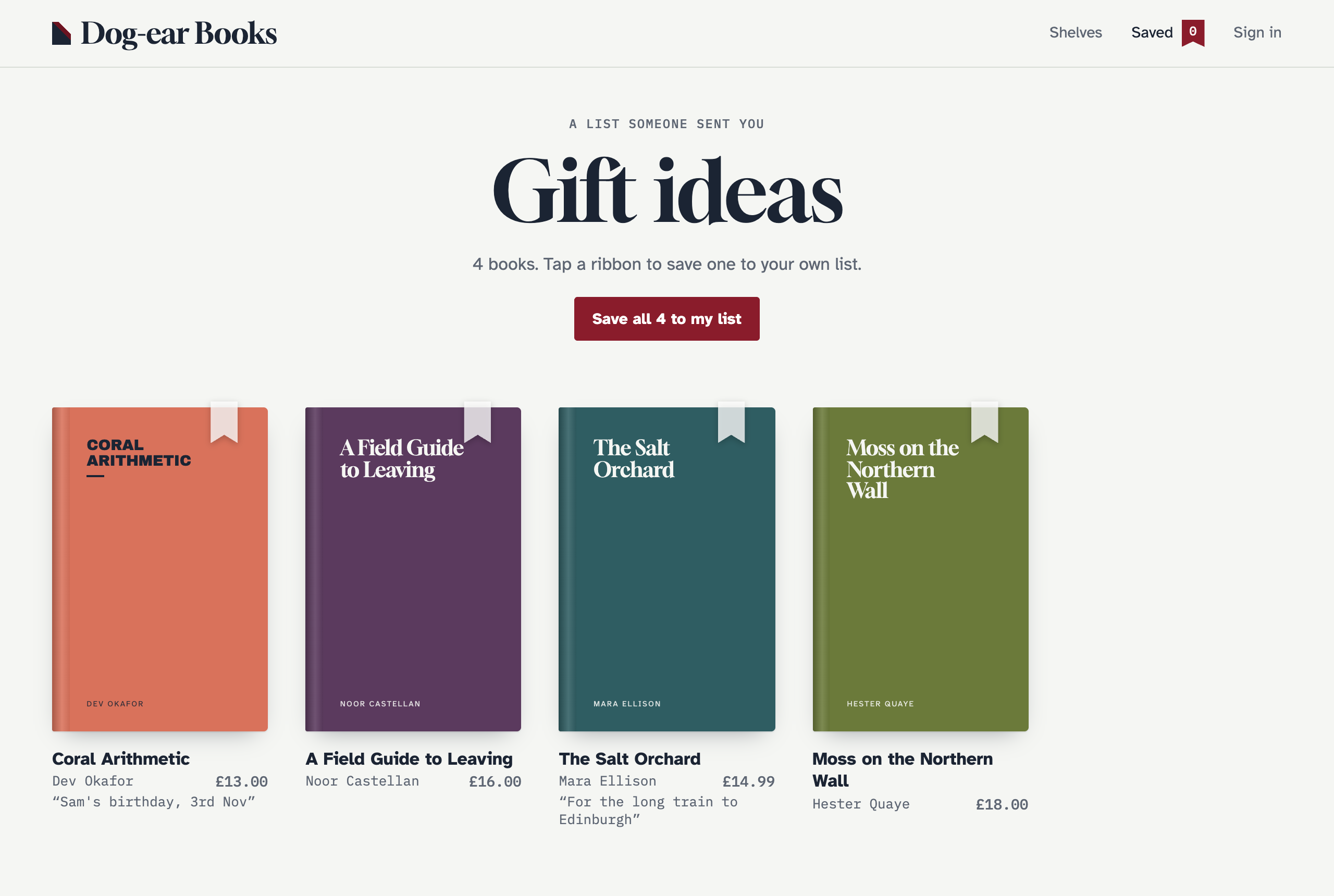
- Share links. Every list has a read-only page in your own layout, and a Save these to my wishlist button for whoever opens it. Links can be reset.
- Three storage drivers. Flat files indexed like entries, two database tables, or
localStoragewith the items carried in the share link. Move between files and the database with one command. - Guests welcome. Visitors don't need an account. When they sign in, what they saved as a guest moves to their account.
- Works without JavaScript. Every button is a real form. With the script (no dependencies, no build step) the page updates in place, and it works on statically cached pages.
- Your markup, in Antlers or Blade. Tags and
data-attributes, no imposed components or styles. Lists are drawn with your own partials. Every example in the docs has a Blade version. - Cargo shops. With Cargo, lists show prices and stock, say when a price has dropped since saving, keep sizes and other variants apart, and go in the basket in one go.
- Control Panel. Content → Wishlists shows every list, what's on it, and the entries saved most, with permissions to view and delete.
- For developers. Events, a PHP API, a JSON API for headless front ends, and room for your own storage driver.
| Several lists, with notes | A list someone shared | The Control Panel |
|---|---|---|
 |
 |
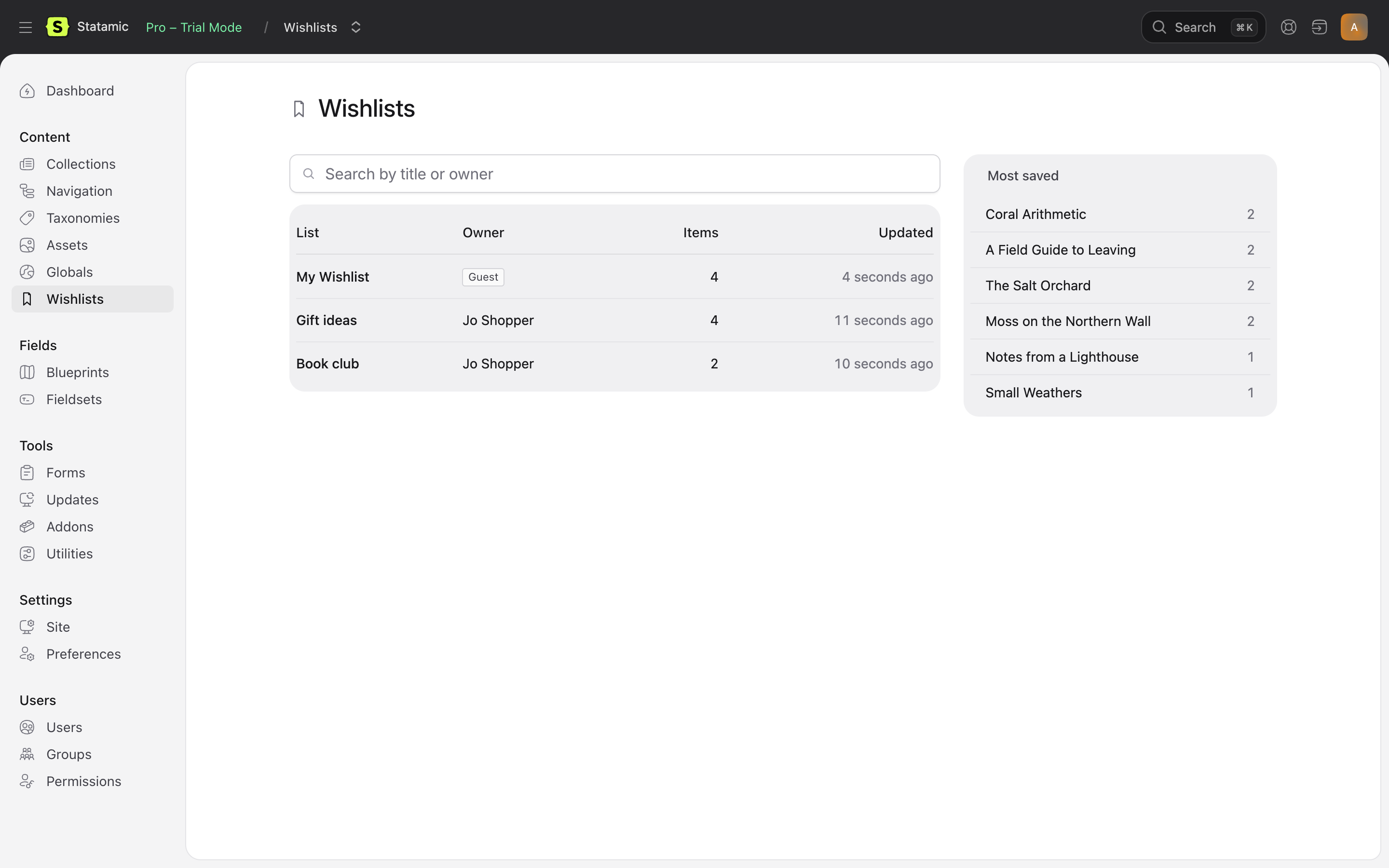 |
The screenshots are from Dog-ear Books, a made-up shop built only with the tags and attributes in the docs. Try the demo: it runs locally in a few commands, with no licence needed. See The demo shop. For a shop built with Cargo, try Dog-ear Books with Cargo: the same shop with the books for sale, in hardback and paperback.
Requirements
- Statamic 6, PHP 8.3 or later.
- Statamic Pro for front-end user accounts and Control Panel permissions. Guests can keep lists without it.
Installation
composer require 1994/wishlist-statamicAdd the script to your layout's <head>:
{{ wishlist:scripts }}Blade
<s:wishlist:scripts />Add a save button wherever you show an entry:
{{ wishlist:toggle id="{{ id }}" }} <button type="submit"> <span data-wishlist-when="not-added">♡ Save</span> <span data-wishlist-when="added">♥ Saved</span> </button>{{ /wishlist:toggle }}Blade
<s:wishlist:toggle :id="$id"> <button type="submit"> <span data-wishlist-when="not-added">♡ Save</span> <span data-wishlist-when="added">♥ Saved</span> </button></s:wishlist:toggle>And show the list on a page, with a partial of your own:
{{ wishlist:render partial="wishlist" }} <p>Loading your wishlist…</p>{{ /wishlist:render }}Blade
<s:wishlist:render partial="wishlist"> <p>Loading your wishlist…</p></s:wishlist:render>Lists are kept in flat files by default. For the database, or the visitor's browser, set WISHLIST_DRIVER to database or browser.
Documentation
Everything else is in the documentation:
- Installation and storage drivers
- Templates, tags, examples and the demo shop
- JavaScript and share links
- Cargo: prices, stock, variants and the basket
- Guests and signing in and the Control Panel
- Configuration, HTTP API, PHP API and troubleshooting
Licence
Wishlist is commercial software, sold through the Statamic Marketplace. Try it free on a local or development site. Each public site needs a licence. See LICENSE.md.
Support
Report bugs and ask questions through the addon's page on the Statamic Marketplace, or email [email protected].
Development
composer install && npm installvendor/bin/phpunit # PHP: every driver, the actions, tags, shared pages, Control Panelnpm test # the script: its share links match PHP's; the browser drivernpm run build # the Control Panel pages