

#Image Colors
#Install
composer require 4rn0/statamic-image-colorsNothing to publish or configure. To sample the images you already have:
php please image-colors:extract#How it works
Whenever an image asset is saved or reuploaded, Image Colors compares a stamp (file size and modification time) stored with the palette to the file as it is now. When they differ, or there is no palette yet, a job samples the image: it is read from its disk, scaled down to 200 pixels, and quantised into six colors with Color Thief. Near-white and transparent pixels are ignored. The result is written into the asset's .meta file:
data: imagecolors: colors: ['#3a6ea5', '#d7c4a1', '#22272e', '#8aa0b8', '#b5573b', '#e8e2d6'] stamp: '184233-1726300000' color: '#22272e' # only after an editor pinned a colorOne key, so it stays out of the way of your own fields. That is the storage shape only: in templates imagecolors augments to the chosen color with the palette behind it, and the stamp never shows.
Because the stamp follows the file, anything that rewrites the image and saves the asset (Image Editor, ImageOptimizer, a reupload, a core crop) triggers a new palette. Saving other metadata does not. The chosen color is a hex value, not a position in the palette, so it survives a reprocess; if it is no longer in the new palette it stays and shows in the custom slot.
With a queue the sampling runs there; with QUEUE_CONNECTION=sync it runs inside the upload request and adds about a second per image. The palette shows up in the editor when the asset is opened again.
#The asset editor
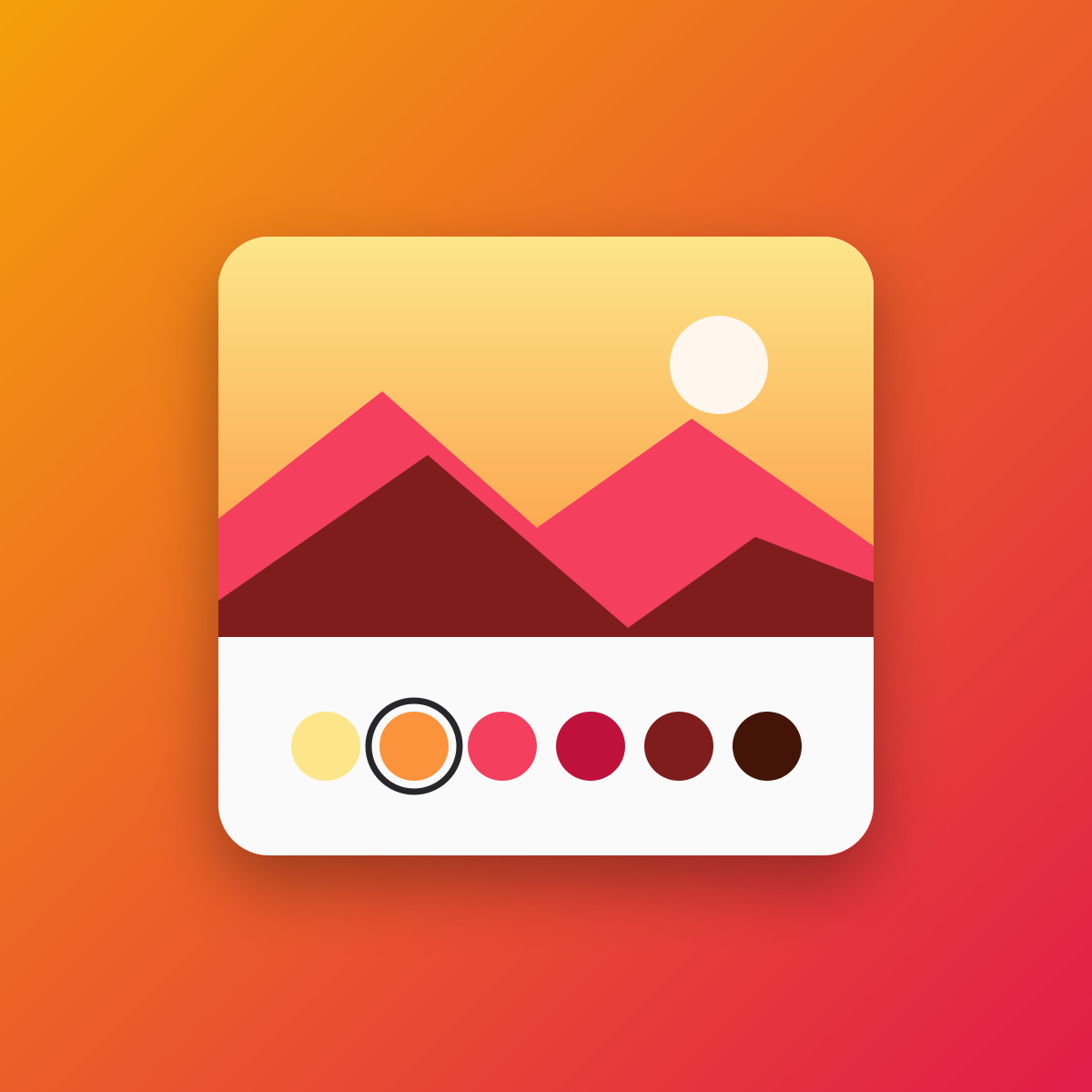
Every image asset gets a Color field: the palette as swatches, then a separator, then the two ways to use a color that is not in it.
- The first swatch is the dominant color. It applies whenever nothing is pinned, and the caption below reads Dominant color.
- Clicking any swatch pins that color. The caption reads Pinned, and a Use the dominant color link appears to undo it.
- The dashed slot opens the browser's color picker. The color you choose lands in that same slot rather than as an extra swatch, and the caption reads Custom color.
- The pipette button next to it picks a color anywhere on the screen, the image preview included. It shows up in browsers that support the EyeDropper API, which today means Chrome and Edge.
Nothing is written until you press Save, like any other field. Pinning needs the container's edit assets permission; there is no separate permission.
A pinned color that a later palette no longer contains keeps its place in the custom slot, so re-sampling never overrules a human choice.
An SVG or a non-image asset shows a short note instead of swatches.
#Templates
imagecolors is an augmented field on every image asset, so it works wherever an asset does: an assets field, {{ glide }} loops, the REST and GraphQL APIs. On its own it prints the chosen color as hex; :color is that color in every format, :colors the palette.
{{ hero }} <figure style="background: {{ imagecolors }}; color: {{ imagecolors:color:text }}">…</figure>{{ /hero }} {{ hero:imagecolors }} #3a6ea5 the pinned color, or the dominant one{{ hero:imagecolors:is_pinned }} false{{ hero:imagecolors:color }} #3a6ea5{{ hero:imagecolors:color:rgb }} rgb(58, 110, 165){{ hero:imagecolors:color:hsl }} hsl(211, 48%, 44%){{ hero:imagecolors:color:oklch }} oklch(0.5329 0.1044 250.93){{ hero:imagecolors:color:r }} 58 (also :g, :b){{ hero:imagecolors:color:is_dark }} true (also :is_light){{ hero:imagecolors:color:text }} #ffffff black or white, whichever reads better{{ hero:imagecolors:color:contrast }} 5.4 WCAG ratio of that text on the color {{ hero:imagecolors:colors }} {{ hex }} {{ rgb }} {{ text }} … every key above, per swatch{{ /hero:imagecolors:colors }} {{ hero:imagecolors }} {{ color }} {{ color:text }} {{ is_pinned }} {{ colors }}{{ hex }}{{ /colors }}{{ /hero:imagecolors }}imagecolors is empty when the image has not been sampled yet or cannot be sampled, so {{ if hero:imagecolors }} is a safe guard.
:text and :contrast compare the text to the solid color, not to the photo. Black or white always reaches at least 4.5:1 on a solid color, but an image with both light and dark areas can still swallow that text where it overlaps them. Put text on a background in {{ imagecolors }}, not straight on the image.
A variable named asset is a special case: asset is also a core tag, and Antlers reads {{ asset:imagecolors:color }} as that tag. Use {{ asset.imagecolors.color }} there, or a different variable name.
In GraphQL imagecolors is an ImageColors object with color (String), colors ([String]) and is_pinned (Boolean).
#A field of your own
Image Colors adds its field only where the handle is free. When a container blueprint already has a field named imagecolors, that field keeps its type and value, and those images get no palette. An imagecolors value that was not written by Image Colors (no stamp in it) is never overwritten either, and the editor shows no swatches for it. The command and the action report such images, with the reason in the log.
#Sampling existing images
From the asset browser: select images and run Extract colors; the same action sits in the asset editor's actions menu for a single image. It needs the edit assets permission of the container. Without a queue it samples right away and tells you when an image could not be read ("Colors extracted for 1 of 2 images"); with a queue it dispatches a job per image and the log is the place to look.
From the command line:
php please image-colors:extract # every image without a current palettephp please image-colors:extract --container=photos # one or more containersphp please image-colors:extract --force # sample again, current or notphp please image-colors:extract --queue # dispatch jobs instead of sampling hereThe command reports how many images it sampled, skipped or could not read (the reason is in the Laravel log), and how many SVGs it left alone.
#Formats and drivers
Sampling uses Intervention Image with the driver from config/statamic/assets.php (image_manipulation.driver), so it decodes exactly what Statamic's own Glide does.
| GD | Imagick | |
|---|---|---|
| JPEG, PNG, GIF, WebP | yes | yes |
| AVIF | only when GD was built with libavif | yes |
| Animated GIF | first frame | first frame |
| Animated WebP | no | first frame |
| SVG | skipped | skipped |
An image that cannot be decoded gets no palette and an info line in the log.
#Remote and private disks
Assets on S3, Spaces, SFTP or a private local disk are read through their Flysystem disk into memory; nothing is written to a temporary file and no public URL is needed.
#Translations
Control panel strings are in resources/lang (English, Dutch, French, Turkish). To adjust them:
php artisan vendor:publish --tag=imagecolors-lang#Uninstalling
composer remove 4rn0/statamic-image-colors. The imagecolors key stays in the .meta files of sampled images; they do no harm and cost a few bytes each.