
Fieldtype for embedding and previewing external content.
Features
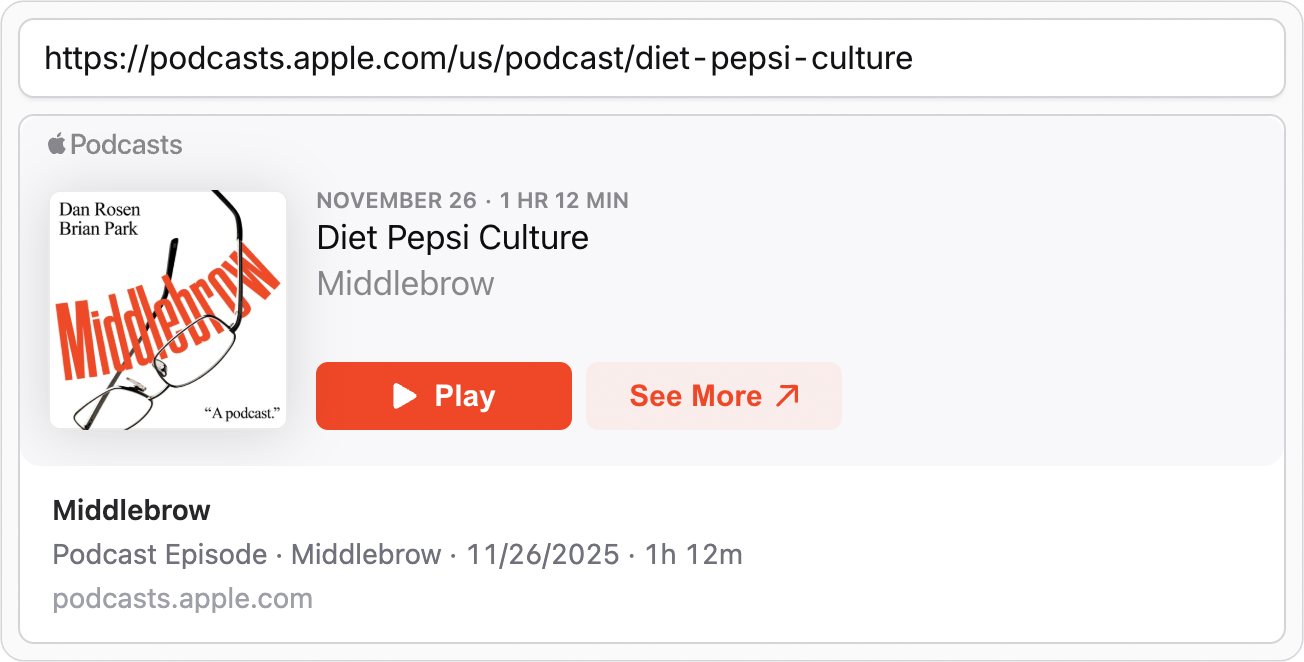
- Augment URLs with embed data: iframe, thumbnail, title, description
- Live preview of embedded content in the control panel
- Powered by the Embed library and extensible with custom adapters
- Supports any provider with oEmbed endpoint or Open Graph meta tags
Vs. the Built-In Video Fieldtype
If you need to embed videos from YouTube and Vimeo, you should probably stick with Statamic's built-in video fieldtype. It comes with less complexity as it doesn't need to fetch the metadata or embed codes.
The fieldtype of this addon becomes useful if you need:
- Other providers and content types like audio players, social media posts, etc
- Ready-to-render html for embedding the content in an iframe
- Additional metadata like title, description, thumbnail, etc
Installation
Install the addon via Composer:
composer require daun/statamic-embed-fieldtype
Fieldtype
The addon ships with an embed fieldtype that accepts a url and shows a preview in the editor.
fields:


  -


    handle: embed


    field:


      type: embed


      display: Embed
Frontend
The fieldtype augments the url to an array of embed data. The following example will render a simple embed card with either an iframe (if available) or a preview image.
{{ if embed:url }}

  <article class="border rounded-lg overflow-hidden">

    {{ if embed:code }}

      <div


        class="relative aspect-(--embed-ratio) overflow-hidden [&_iframe]:w-full [&_iframe]:h-full [&_iframe]:border-0"


        style="--embed-ratio: {{ embed:code:ratio }}"

      >
        {{ embed:code:html }}

      </div>

    {{ elseif embed:image }}

      <img


        src="{{ embed:image:url }}"


        class="w-full h-auto"

      />
    {{ /if }}
    {{ if embed:title }}

      <div class="p-4">


        <p class="line-clamp-1 font-semibold">


            <a href="{{ embed:url }}">{{ embed:title }}</a>


        </p>

        {{ if embed:description || embed:author:name }}

          <p class="line-clamp-1">{{ embed:description ?? embed:author:name }}</p>

        {{ /if }}
        {{ if embed:provider:url }}

          <p class="text-gray-500">{{ embed:provider:url | replace('https://', '') }}</p>

        {{ /if }}

      </div>

    {{ /if }}

  </article>

{{ /if }}
Unaugmented URL
If you want to use the raw url without augmentation, you can access it via embed:url. To turn off
augmentation completely, you can set the field config augment_to_embed_data to false. This will
return the url as-is in all frontend contexts.
fields:
  -
    handle: embed
    field:
      type: embed
      display: Embed

+     augment_to_embed_data: false
Extending the Embed Library
The addon uses the Embed library under the hood, which supports a variety of providers out of the box: YouTube, Vimeo, Instagram, Flickr, etc. You can customize the library instance and settings and also create custom adapters for unsupported providers by registering a resolving callback in your service provider. See Extending Embed for details and examples.
namespace App\Providers;


use Embed\Embed;


class AppServiceProvider extends ServiceProvider

{

    public function register()


    {


        $this->app->afterResolving(Embed::class, function (Embed $embed) {


            $embed->getExtractorFactory()->addAdapter('mysite.com', MySite::class);


            $embed->setSettings([


                'instagram:token' => '12345678',


                'twitter:token' => 'abcdefgh',


            ]);


        });


    }

}