

Dok: A beautiful Markdown docs starter kit for Statamic
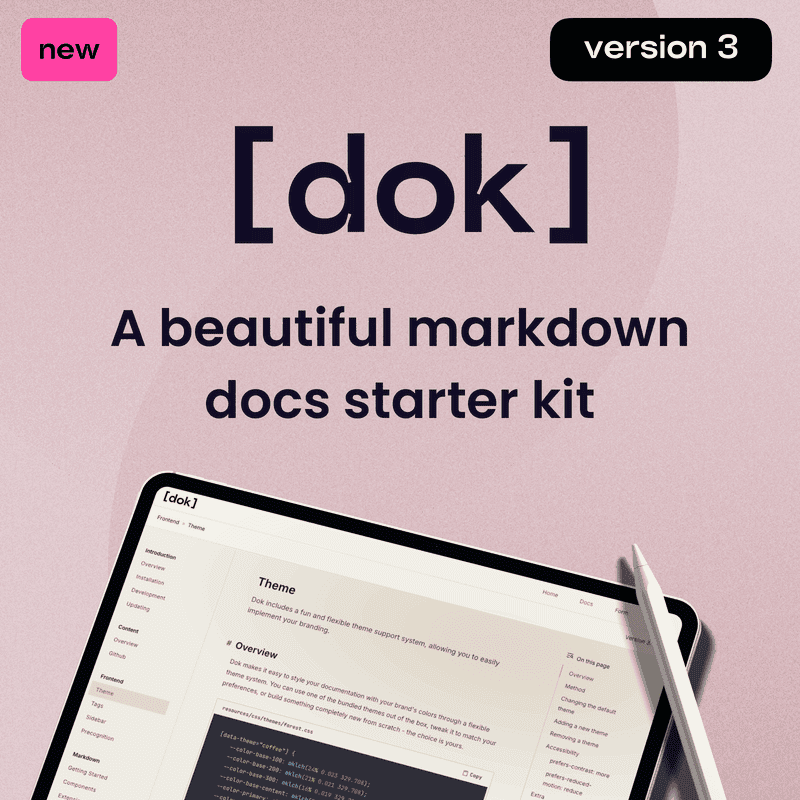
Dok is a best-selling, modern documentation starter kit for Statamic. With powerful Markdown authoring tools, an extensible theme system, ready-to-use frontend UI components, and more. Dok lets you skip the groundwork, giving you a solid, production-ready foundation from day one.
Some of Doks biggest features:
- Unlimited projects & unlimited releases/versions
- Statamic tags to get release & project information
- Ships with 7 ready-made themes
- Create new themes by changing as few as six CSS variables
- Built for exceptional performance
- Accessible
- Write Markdown in Statamic
- Sync Markdown from GitHub
- Modern tools, AlpineJS & Tailwind v4
- Frontend UI components (fields, selects, toggles etc)
- Blade for components
- Author new components for use in Markdown without ever having to create a CommonMark extension with Component Binding.
- Phosphor for icons (all styles included!)
- Laravel Precognition & form templates included
Projects & Versions
Host unlimited projects and manage unlimited releases for each project. Easily create new projects or releases with a simple dok:create:project or dok:create:release command.
Markdown
Some of the best features of Dok are in its flexible Markdown authoring features.
Alongside the components and extensions Dok ships with, it also includes a powerful feature called Component Binding. This allows you to use entirely new components directly in Markdown—without ever needing to create a CommonMark extension. With nothing more than a simple configuration change and a Blade file, you’re good to go.
Dok ships with:
-
Code Group Extension
The Code Group extension transforms your code blocks. Includes dynamic features like custom titles, collapsible blocks, tabbed content, and a copy code button. You can even control the markup by editing the Blade file!
-
Table Wrapping
We all know tables are not fun to work with. This extension wraps your tables in a little extra markup, making tables that little bit better to style again.
-
Lead Text
Lead text for (usually) below your main heading.
-
Hints
Add note, tip, important, caution, warning hints to your Markdown.
-
Cards
Add a simple card for navigation, or to just highlight some stuff a bit differently.
-
Accordion
Just like the musical instrument, it folds.
Content
Want to write Markdown directly to Statamic? Yup, you can do that!
You can also import Markdown from GitHub using the built-in utility or command. All you need is a Personal Access Token and a small update to your configuration file. Once that's done, you can link entries to their corresponding resource paths.
Themes
Just six CSS variables control almost the entire site’s color system, making themes effortless to create and maintain. Dok ships with seven built-in themes that you can use as-is, remove, or tweak to your liking.
Tags
Dok makes it easy to get information about your projects and releases with custom, built-in tags. Learn more in the docs.
Browser support
Dok supports the latest versions of all major browsers. Progressive enhancements are used where possible.
Learn more
You can learn more about Dok by visiting the documentation. This site also serves as the demo, and is even exactly what you'll see when you install Dok yourself!